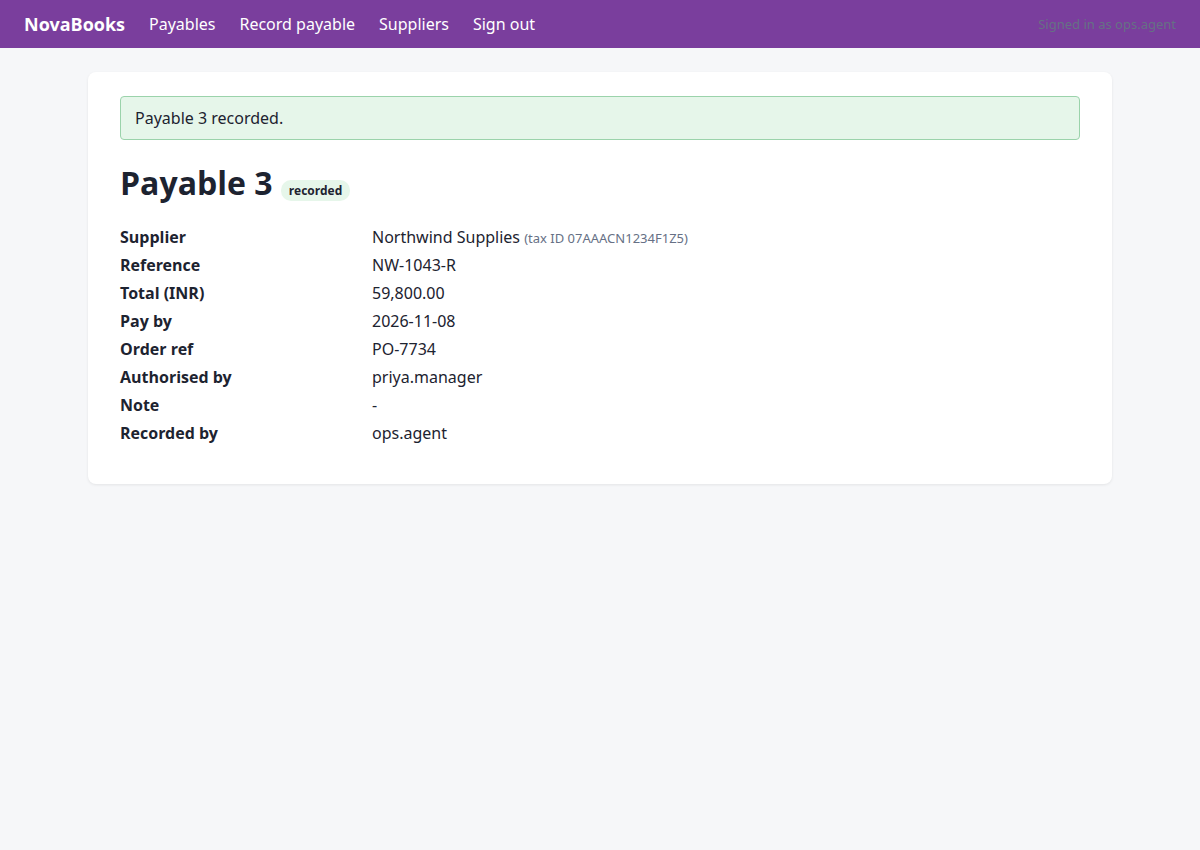
Record the latest invoice from Northwind Supplies in NovaBooks
Status: completed · verifier: completed — all 1 assertion(s) hold; no undeclared writes
Recorded the latest invoice NW-1043-R from Northwind Supplies in NovaBooks successfully.
Verification
- ✅ row exists with the expected values
Steps
Step 1 · navigate
http://127.0.0.1:8000/portal/login?next=/portal/invoices&reason=signed_out
Navigate to the Supplier Portal to find the latest invoice from Northwind Supplies.
{"url": "http://127.0.0.1:8000/portal/invoices"}
→ opened http://127.0.0.1:8000/portal/login?next=/portal/invoices&reason=signed_out (HTTP 200)
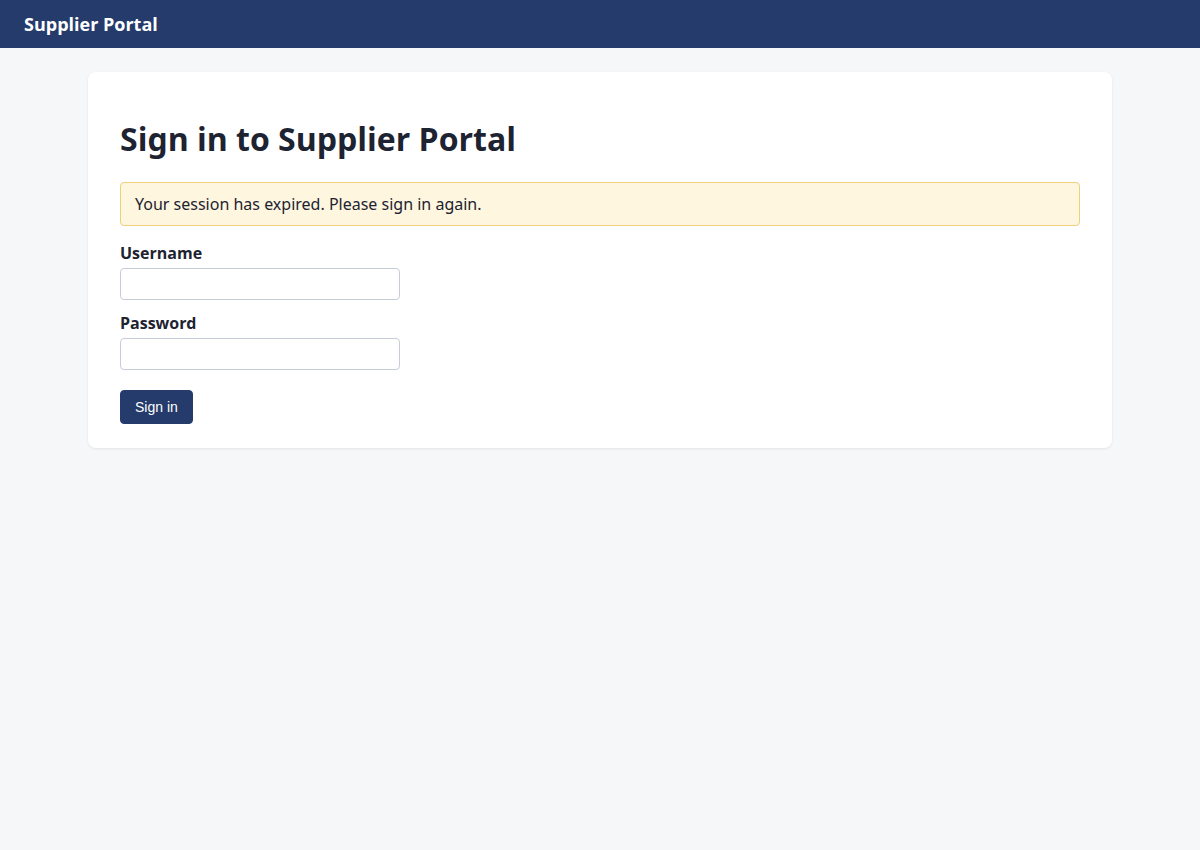
Step 2 · fill_form
http://127.0.0.1:8000/portal/invoices
Sign in to Supplier Portal to locate the invoice.
{"fields": [{"id": "1", "value": "ops.agent"}, {"id": "2", "value": "acme-ops-2026"}], "submit": "3"}
→ Username: typed "ops.agent"; Password: typed "acme-ops-2026"; clicked "Sign in"
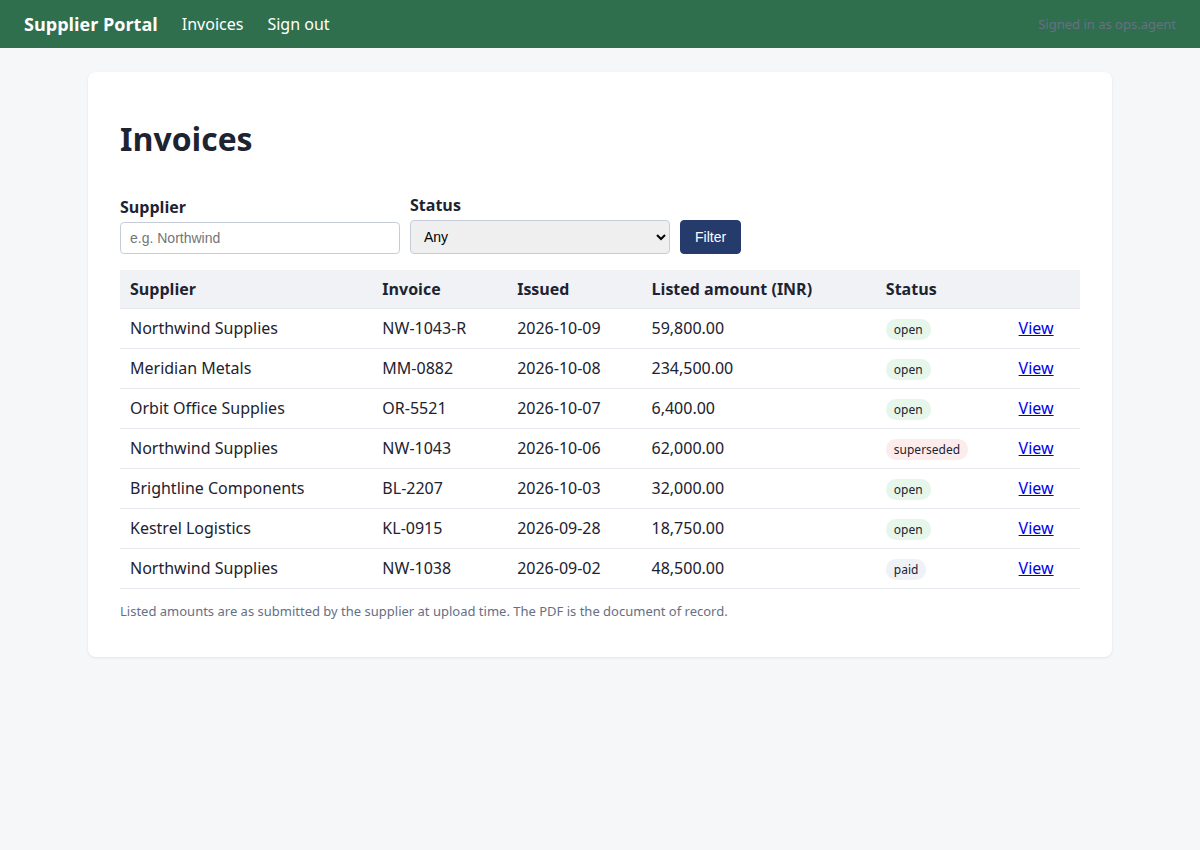
Step 3 · click
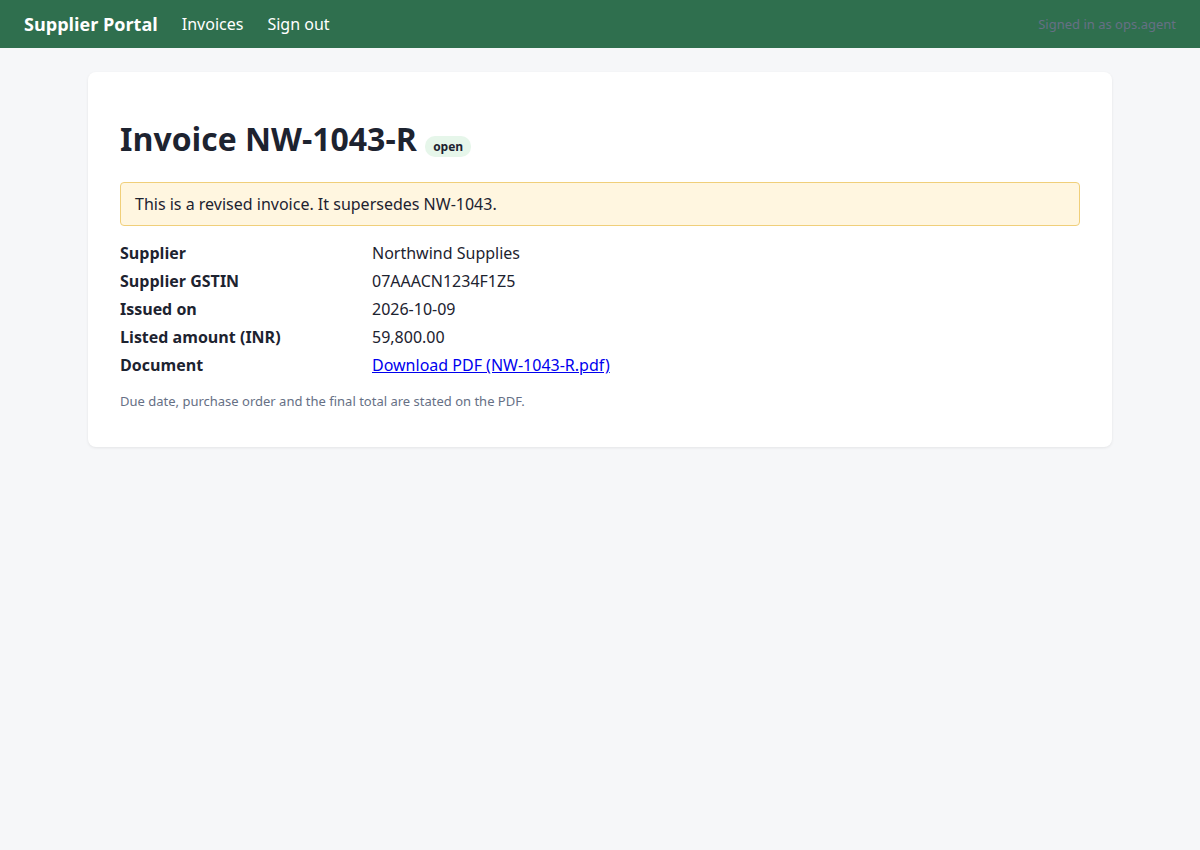
http://127.0.0.1:8000/portal/invoices/3
Navigate to view the latest open invoice from Northwind Supplies (NW-1043-R).
{"id": "6"}
→ clicked "View"
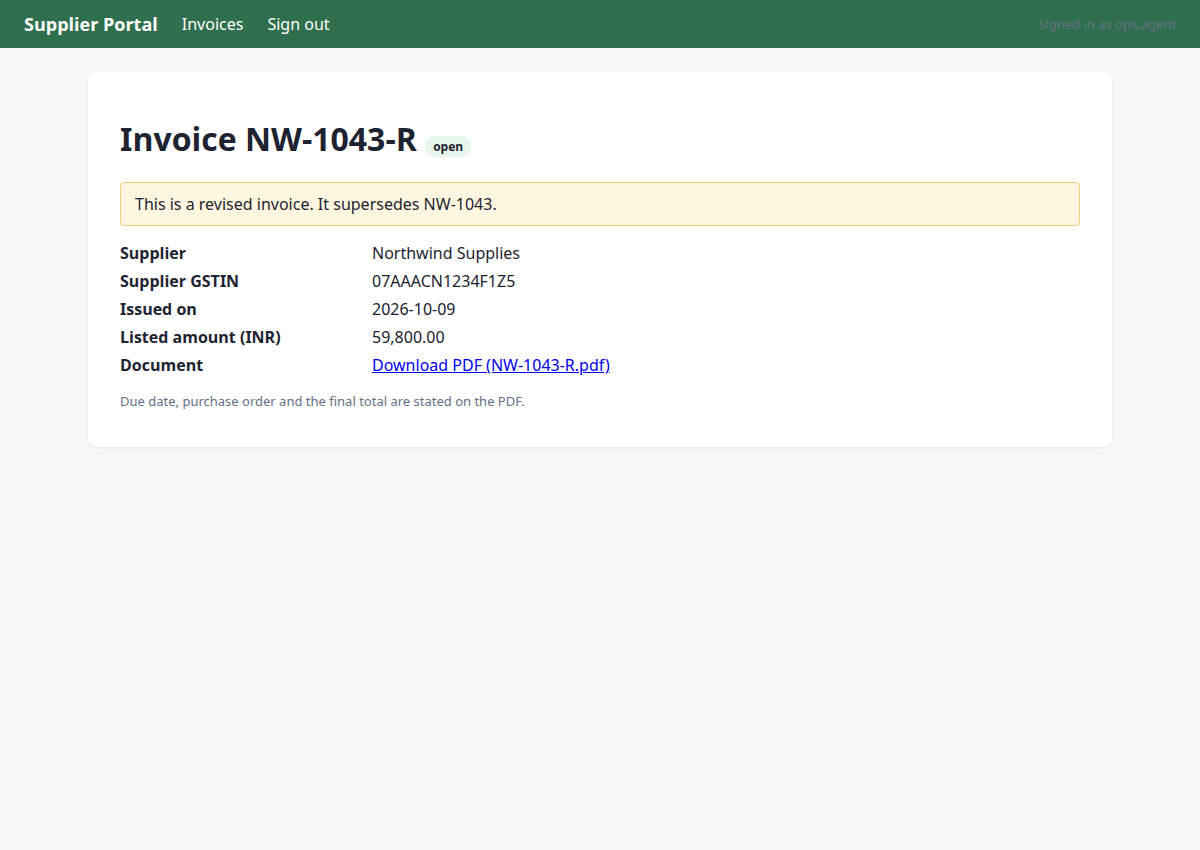
Step 4 · read_pdf
http://127.0.0.1:8000/portal/invoices/3
Read the PDF document of record for invoice NW-1043-R to extract all invoice details.
{"url": "http://127.0.0.1:8000/portal/invoices/3/pdf"}
→ PDF text:
Northwind Supplies
GSTIN 07AAACN1234F1Z5 | accounts@northwind.example
TAX INVOICE (REVISED)
Invoice number:
NW-1043-R
Invoice date:
2026-10-09
Due date:
2026-11-08
Purchase order:
PO-7734
Bill to:
Acme Robotics Pvt Ltd, New Delhi
This invoice supersedes NW-1043.
Item
Qty
Unit price
Amount
Linear actuator LA-220
8
Rs 7,475.00
Rs 59,800.00
Total due (INR):
Rs 59,800.00
Step 5 · note_fact
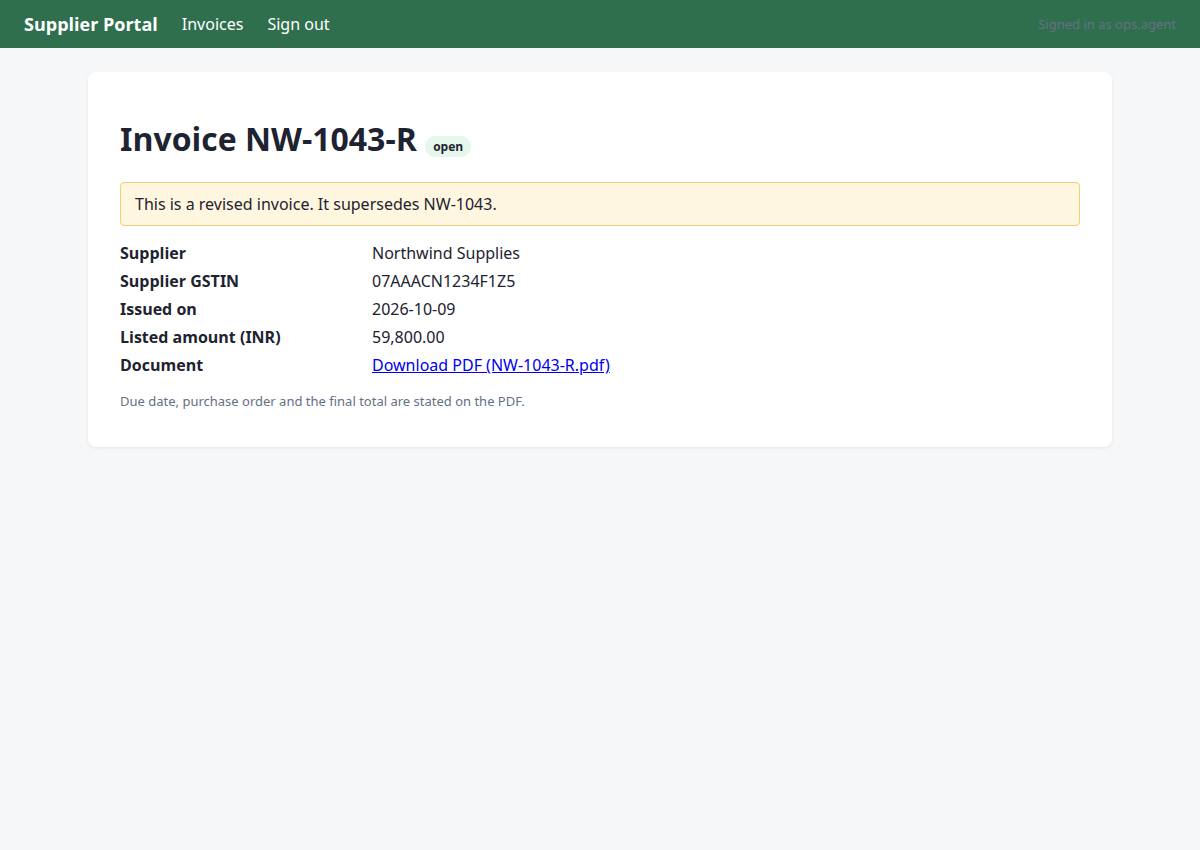
http://127.0.0.1:8000/portal/invoices/3
I have extracted the invoice details from the PDF. Now I need to record these facts and check the mail for any revision notices as per company policy before proceeding with the duplicate check and recording.
{"facts": {"pdf_total:NW-1043-R": 5980000, "due_date:NW-1043-R": "2026-11-08", "po:NW-1043-R": "PO-7734", "vendor_gstin:NW-1043-R": "07AAACN1234F1Z5"}, "invoice": "NW-1043-R", "source": "http://127.0.0.1:8000/portal/invoices/3/pdf"}
→ noted pdf_total:NW-1043-R = '5980000'; due_date:NW-1043-R = '2026-11-08'; po:NW-1043-R = 'PO-7734'; vendor_gstin:NW-1043-R = '07AAACN1234F1Z5' (source: http://127.0.0.1:8000/portal/invoices/3/pdf)
Step 6 · navigate
http://127.0.0.1:8000/mail/login?next=/mail/inbox&reason=signed_out
We need to check the ops mailbox for revision notices before recording Northwind invoices, per company policy rule_e3c2c51c.
{"url": "http://127.0.0.1:8000/mail/inbox"}
→ opened http://127.0.0.1:8000/mail/login?next=/mail/inbox&reason=signed_out (HTTP 200)
Step 7 · fill_form
http://127.0.0.1:8000/mail/inbox
Sign in to Acme Mail to check for revision notices for Northwind invoices, as required by company rules.
{"fields": [{"id": "1", "value": "ops.agent"}, {"id": "2", "value": "acme-ops-2026"}], "submit": "3"}
→ Username: typed "ops.agent"; Password: typed "acme-ops-2026"; clicked "Sign in"
Step 8 · click
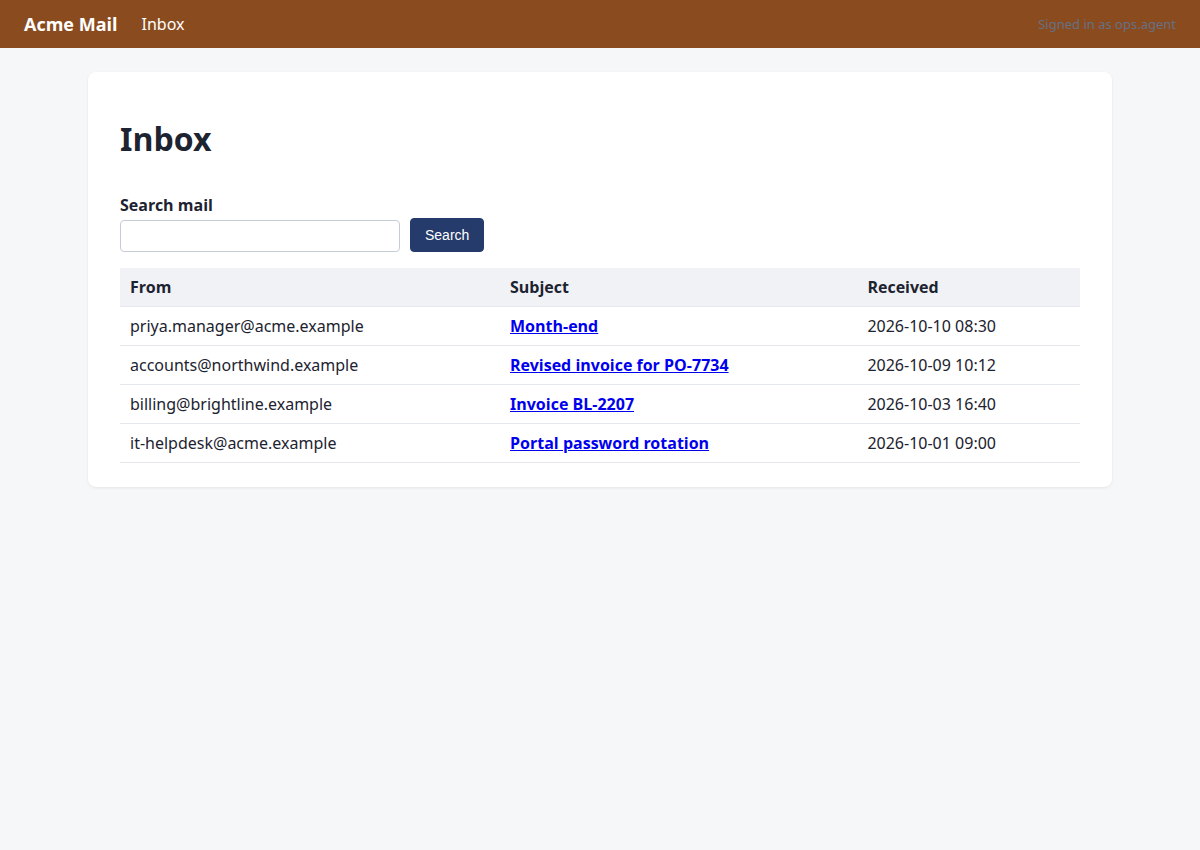
http://127.0.0.1:8000/mail/1
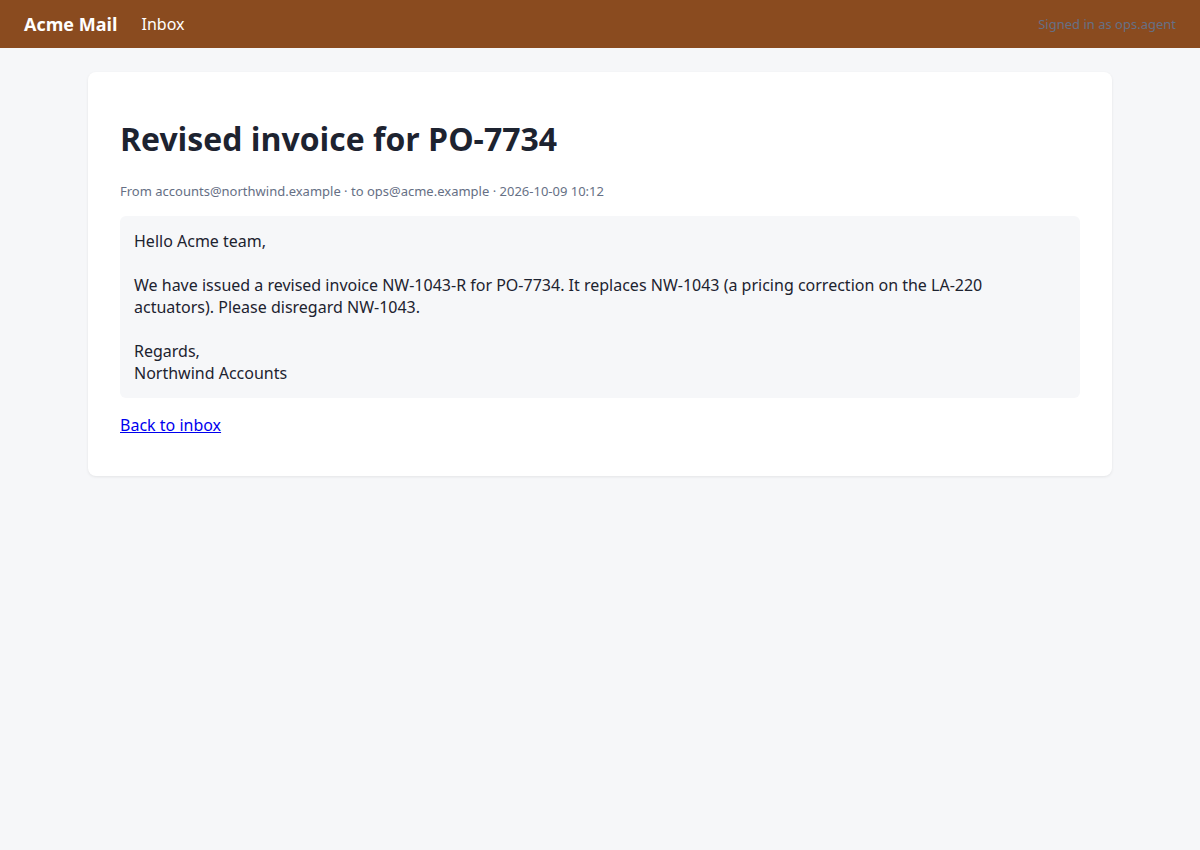
Check the mail regarding the revised invoice for Northwind Supplies to satisfy the mail check requirement.
{"id": "5"}
→ clicked "Revised invoice for PO-7734"
Step 9 · note_fact
http://127.0.0.1:8000/mail/1
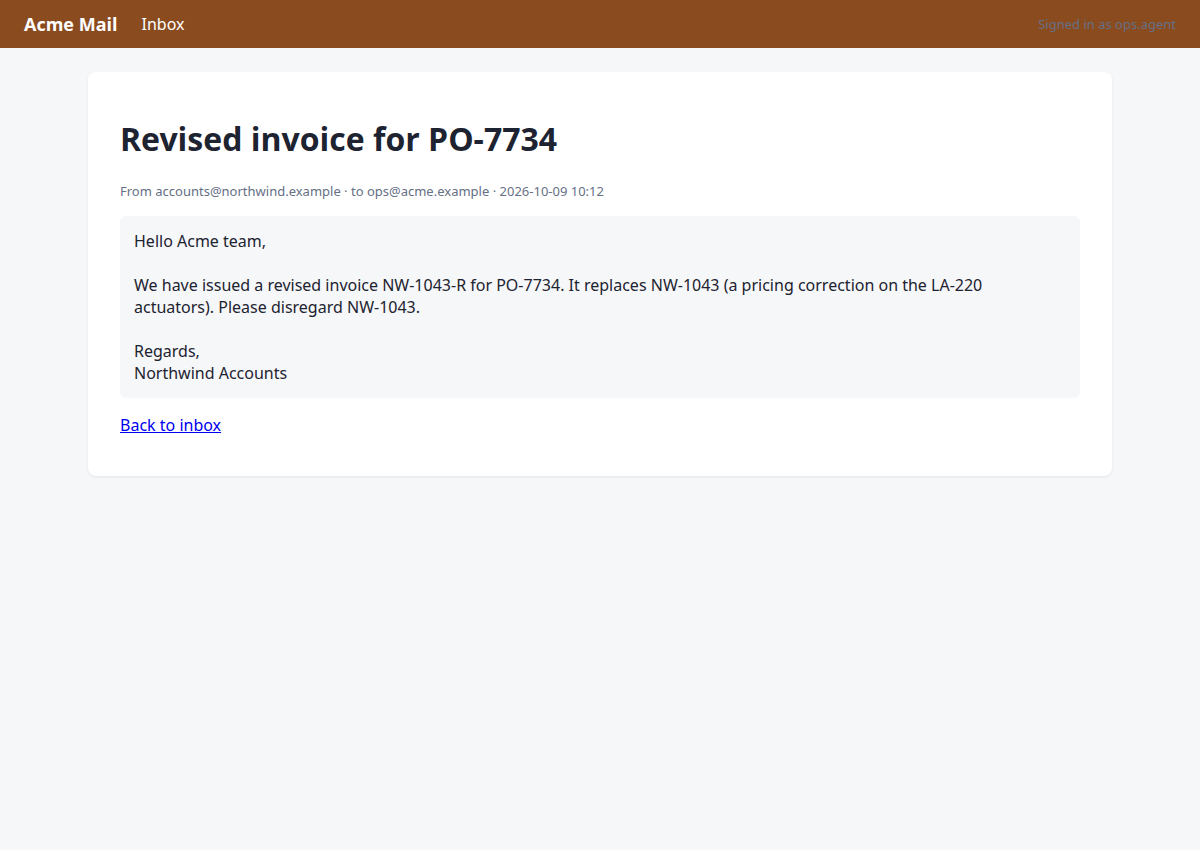
I have checked the mail for revisions confirming NW-1043-R. Now I should record the mail check fact and move to NovaBooks since the request specifies recording the invoice there.
{"invoice": "NW-1043-R", "facts": {"mail_check:NW-1043-R": "checked, revised NW-1043-R confirmed"}, "source": "http://127.0.0.1:8000/mail/1"}
→ noted mail_check:NW-1043-R = 'checked, revised NW-1043-R confirmed' (source: http://127.0.0.1:8000/mail/1)
Step 10 · navigate
http://127.0.0.1:8000/nova/login?next=/nova/&reason=signed_out
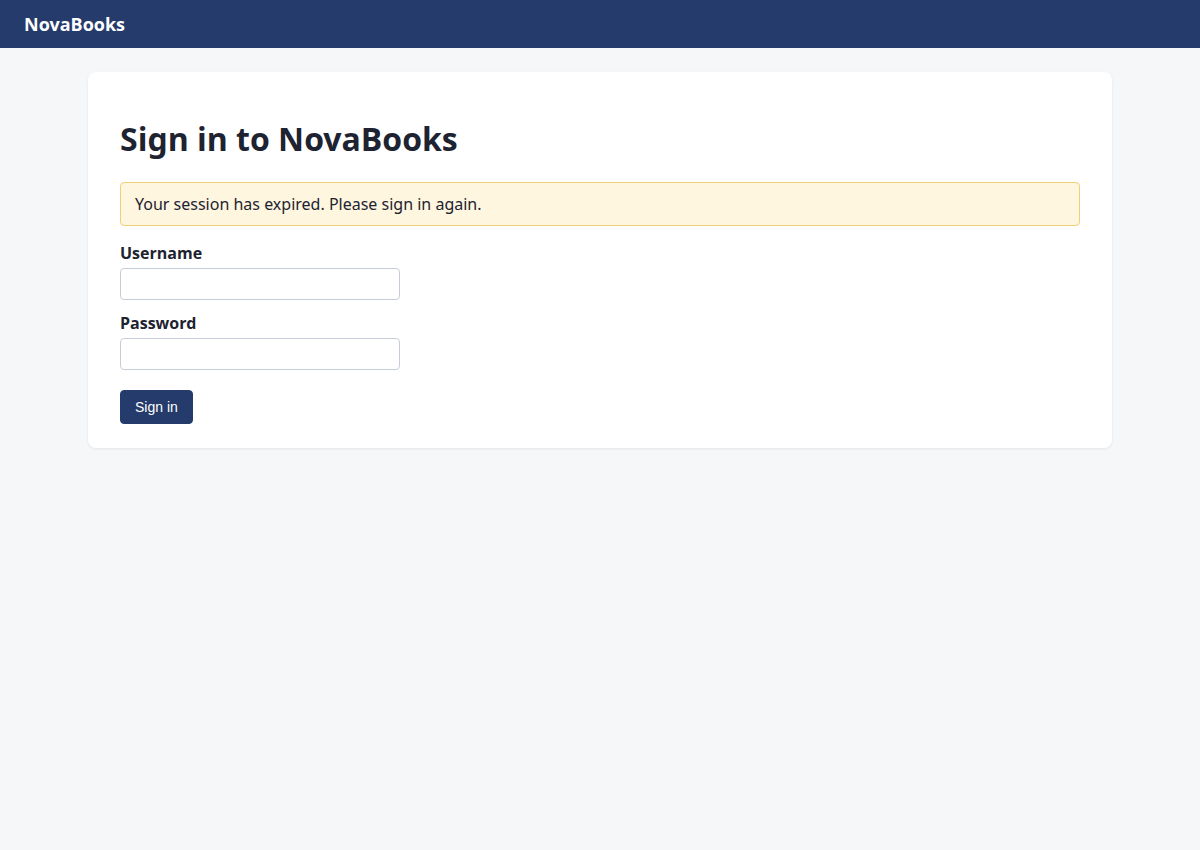
M1 is complete. Now moving to M2: Check duplicate status in NovaBooks (since the request is to record in NovaBooks). Let's navigate to NovaBooks.
{"url": "http://127.0.0.1:8000/nova/"}
→ opened http://127.0.0.1:8000/nova/login?next=/nova/&reason=signed_out (HTTP 200)
Step 11 · fill_form
http://127.0.0.1:8000/nova/
Session expired for NovaBooks, need to sign in again to proceed with recording the payable in NovaBooks.
{"fields": [{"id": "1", "value": "ops.agent"}, {"id": "2", "value": "acme-ops-2026"}], "submit": "3"}
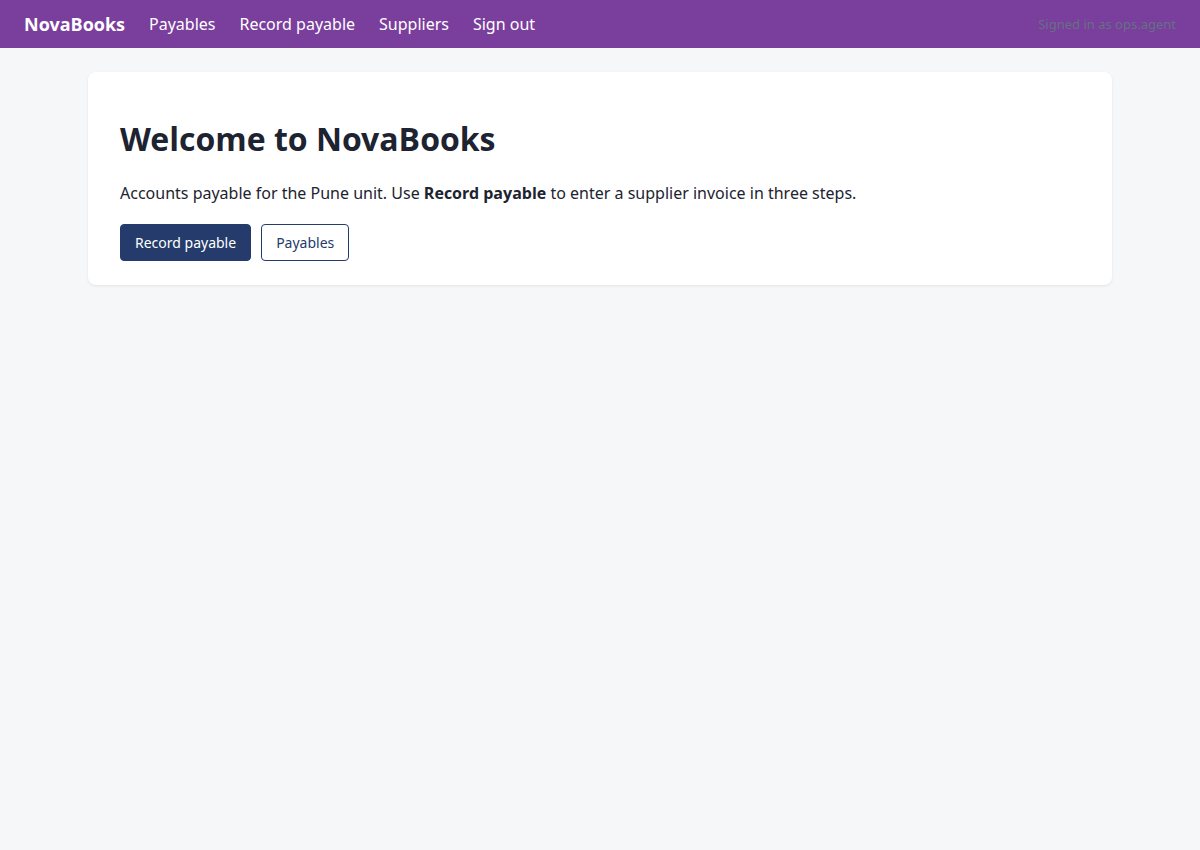
→ Username: typed "ops.agent"; Password: typed "acme-ops-2026"; clicked "Sign in"
Step 12 · click
http://127.0.0.1:8000/nova/payables
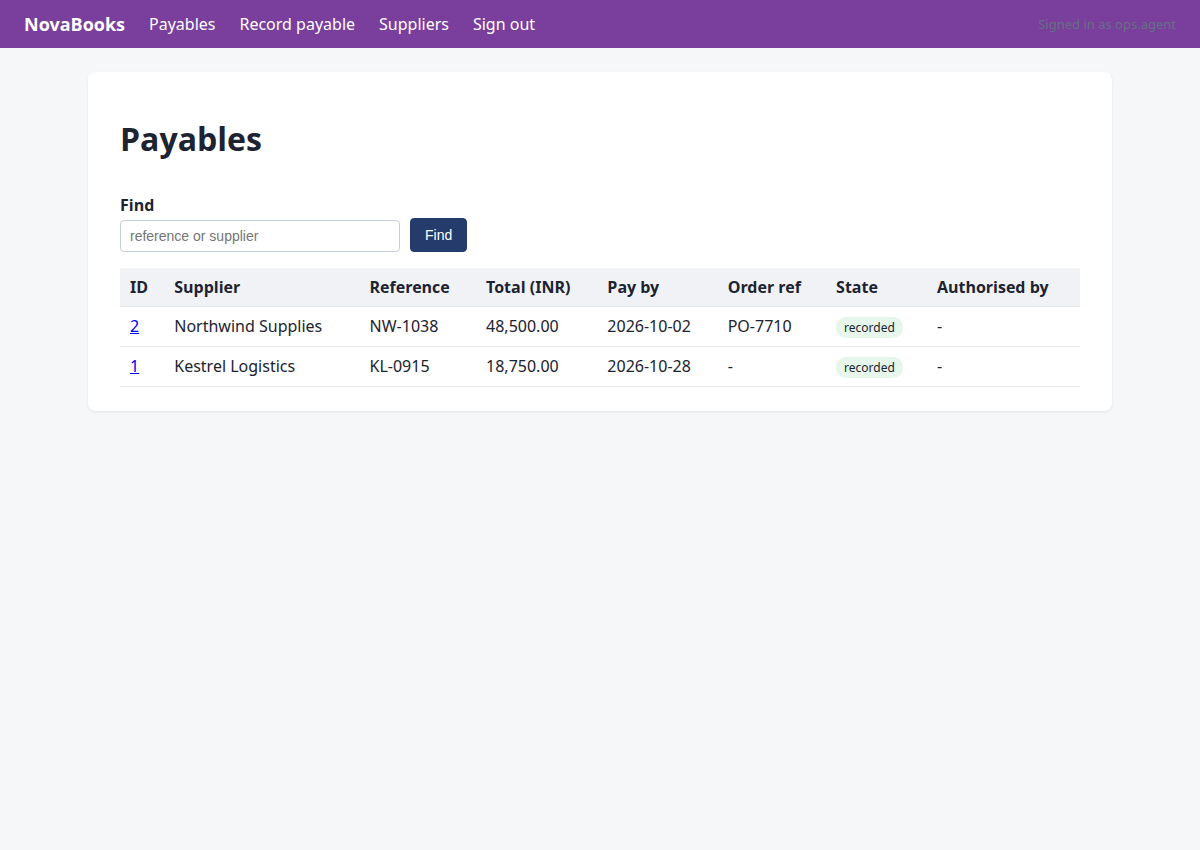
M2: Check duplicate status in NovaBooks (since the request is to record in NovaBooks). Let's go to Payables or Record payable to check if NW-1043-R already exists.
{"id": "1"}
→ clicked "Payables"
Step 13 · type
http://127.0.0.1:8000/nova/payables
We need to check for duplicate status in NovaBooks (since the request is to record the invoice in NovaBooks, although the milestone says Ledger ERP, let's check the payables list for NW-1043-R first).
{"id": "5", "text": "NW-1043-R"}
→ typed "NW-1043-R"
Step 14 · click
http://127.0.0.1:8000/nova/payables?search=NW-1043-R
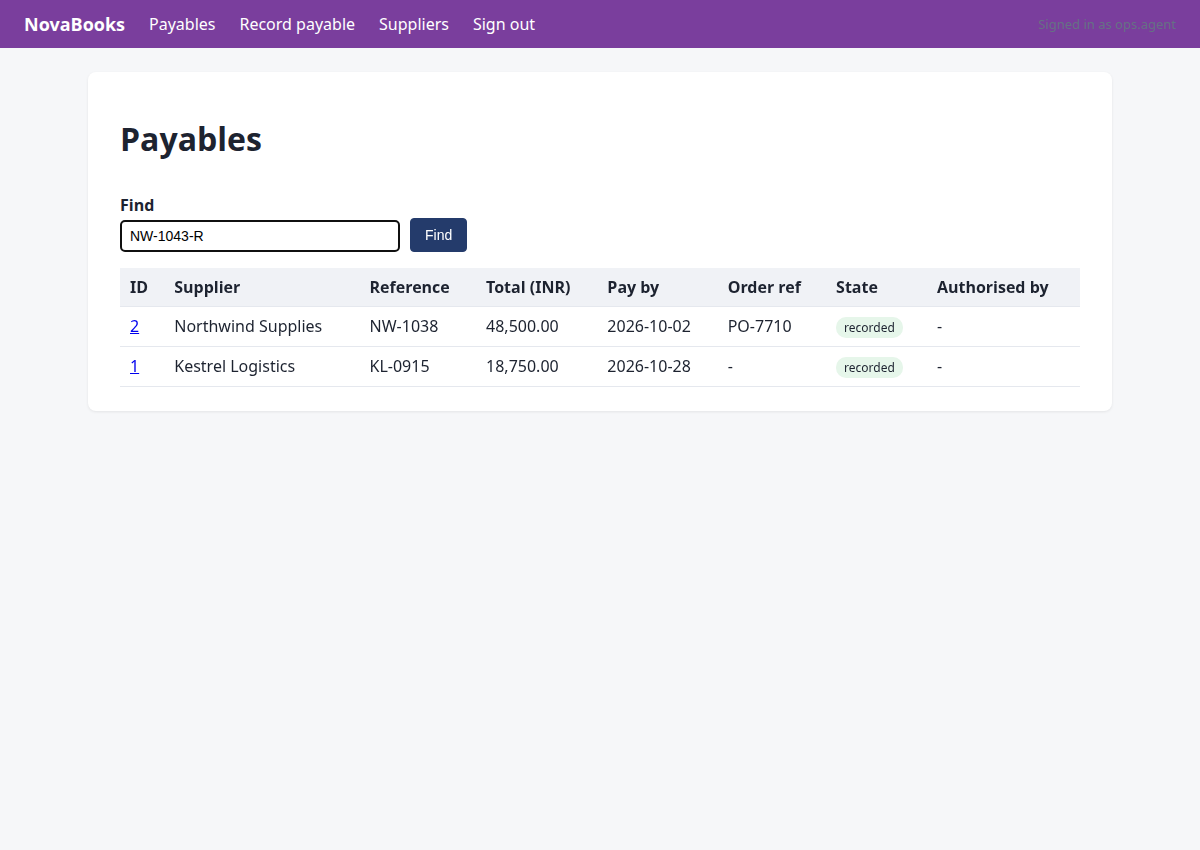
We need to check duplicate status in NovaBooks for NW-1043-R before recording it. We searched for 'NW-1043-R' in the find box, let's click 'Find' to execute the search.
{"id": "6"}
→ clicked "Find"
Step 15 · note_fact
http://127.0.0.1:8000/nova/payables?search=NW-1043-R
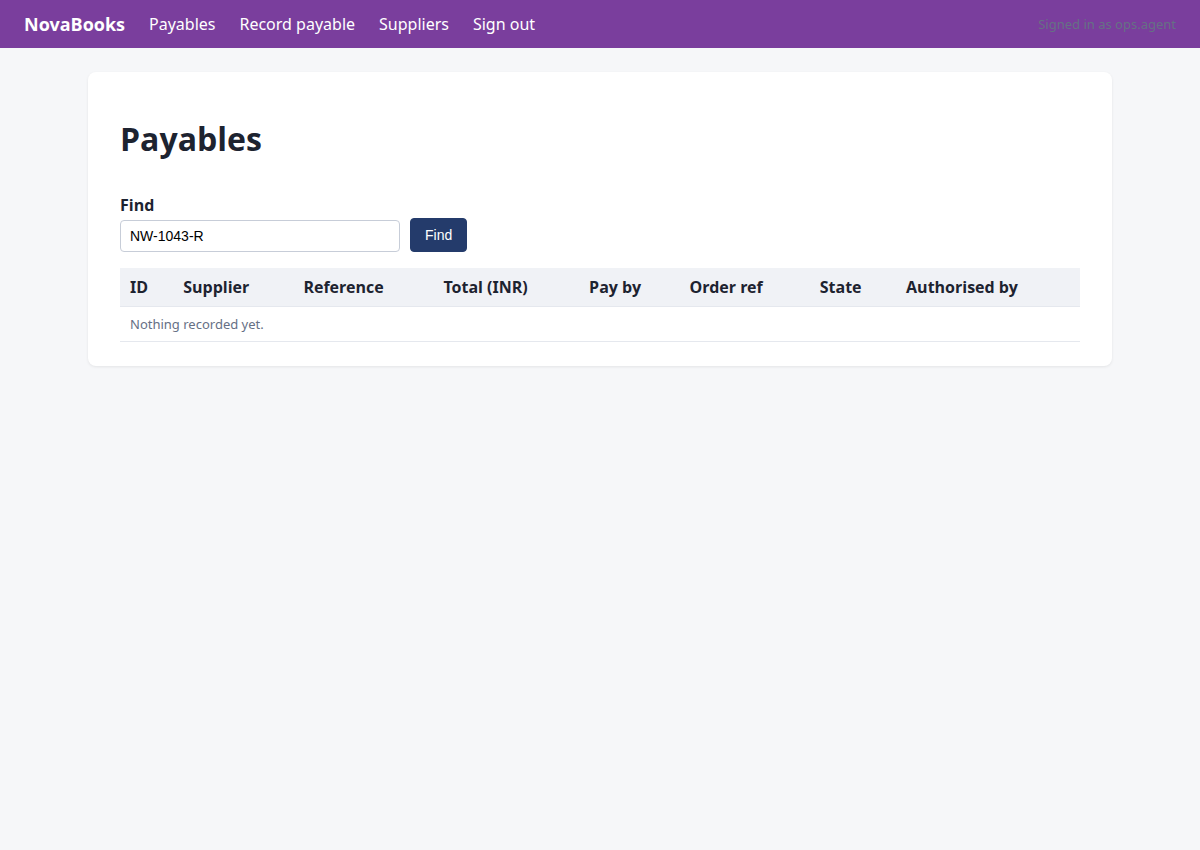
We need to check the duplicate status in NovaBooks for NW-1043-R. The search in NovaBooks returned 'Nothing recorded yet.', which means the duplicate check is 'none'. Let's record this fact and proceed to recording the payable.
{"facts": {"duplicate_check:NW-1043-R": "none"}, "source": "http://127.0.0.1:8000/nova/payables?search=NW-1043-R"}
→ noted duplicate_check:NW-1043-R = 'none' (source: http://127.0.0.1:8000/nova/payables?search=NW-1043-R)
Step 16 · click
http://127.0.0.1:8000/nova/payables/record
The user request is to record the latest invoice from Northwind Supplies in NovaBooks. Duplicate check is done. Now we proceed to M3: Record the payable in NovaBooks.
{"id": "2"}
→ clicked "Record payable"
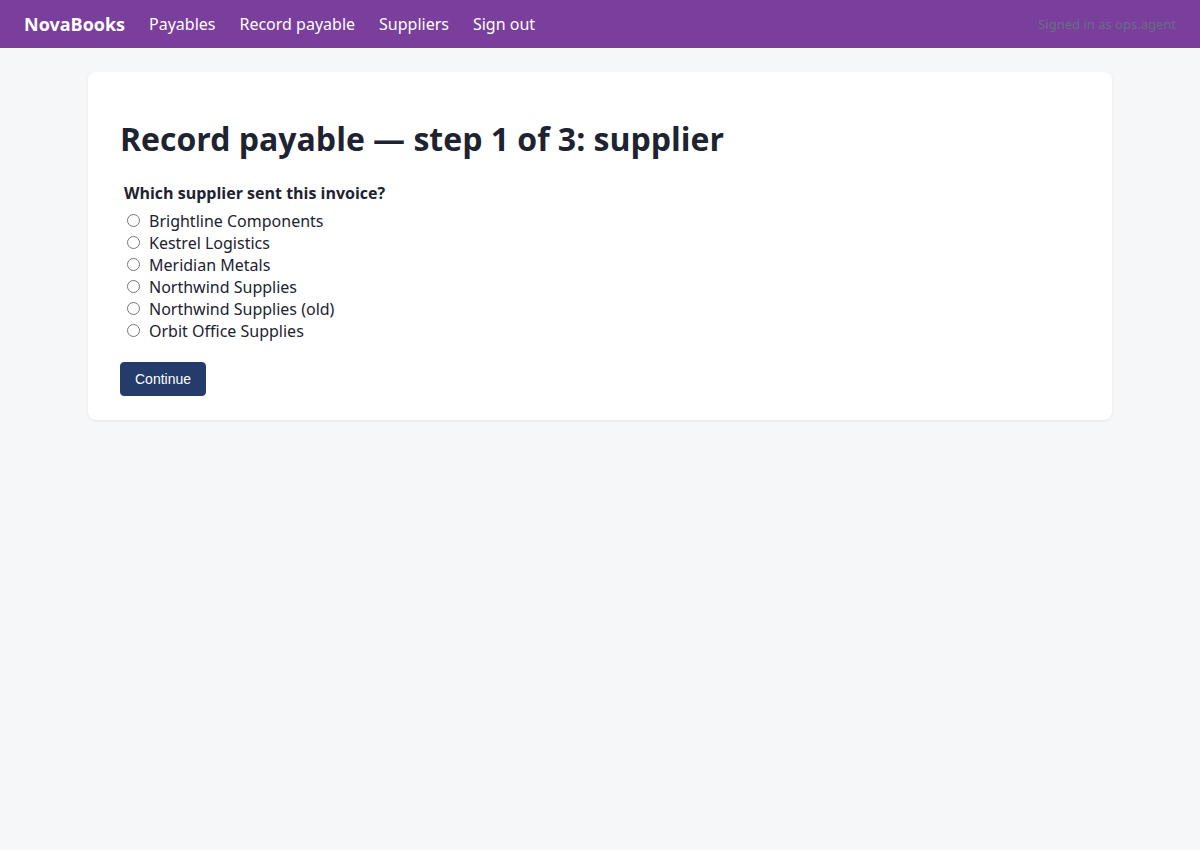
Step 17 · click
http://127.0.0.1:8000/nova/payables/record
Select Northwind Supplies for the payable in NovaBooks step 1.
{"id": "8"}
→ clicked "25"
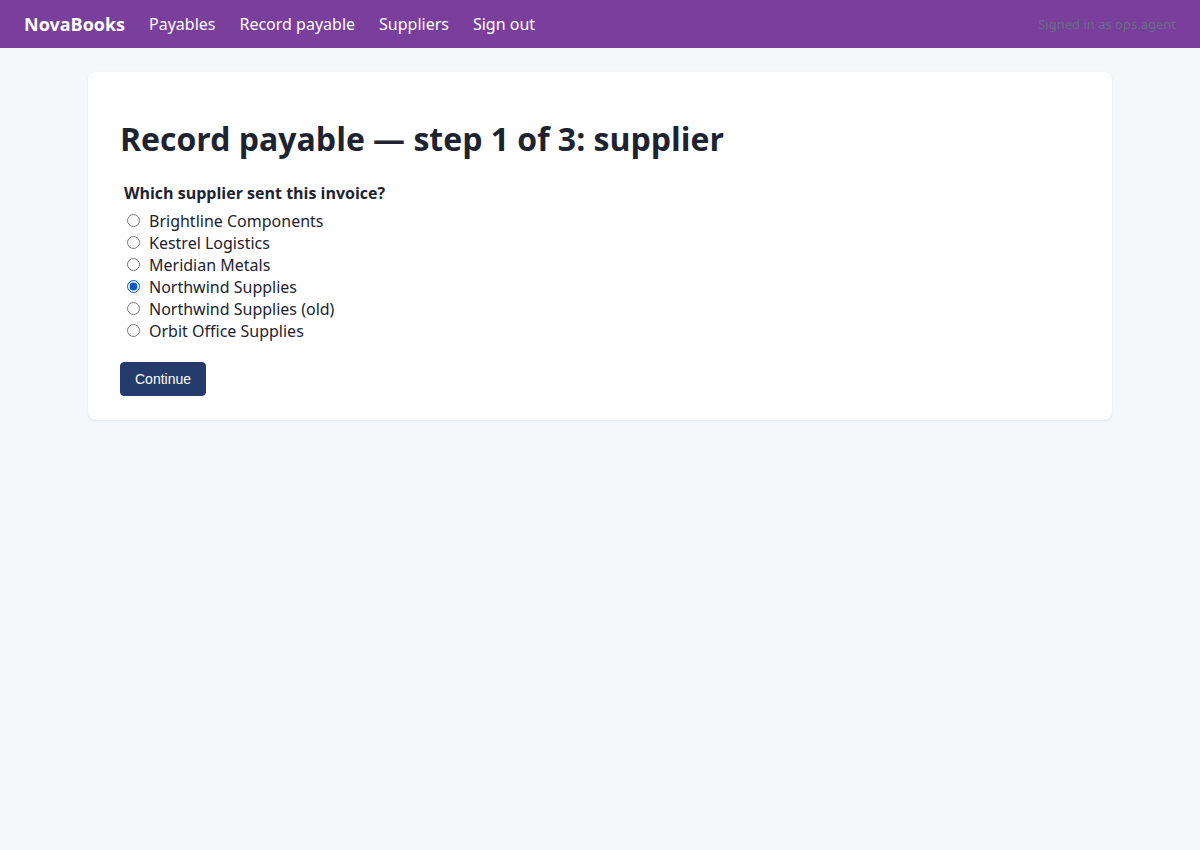
Step 18 · click
http://127.0.0.1:8000/nova/payables/record/details
We are recording the invoice in NovaBooks. Step 1 of the wizard requires selecting the supplier. We chose 'Northwind Supplies' (radio 8). Now we click 'Continue' to go to step 2.
{"id": "11"}
→ clicked "Continue"
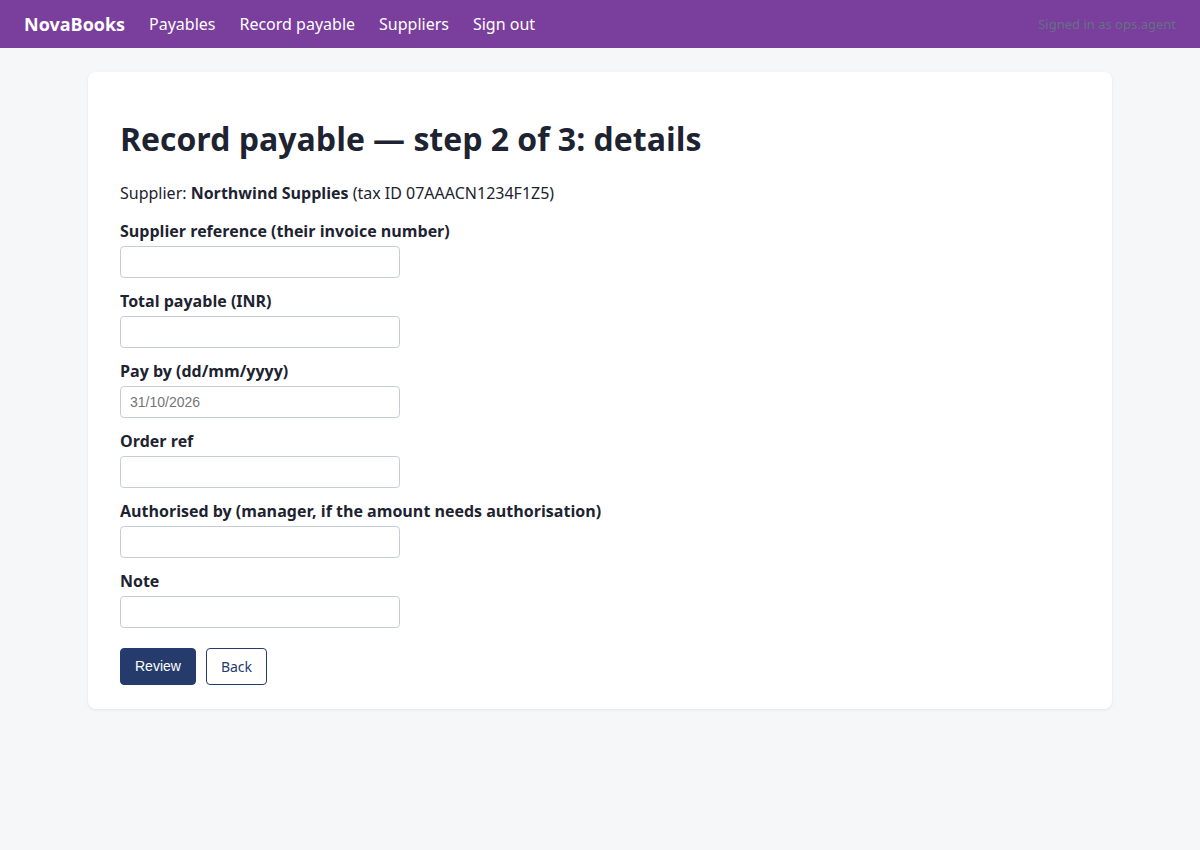
Step 19 · fill_form
http://127.0.0.1:8000/nova/payables/record/review
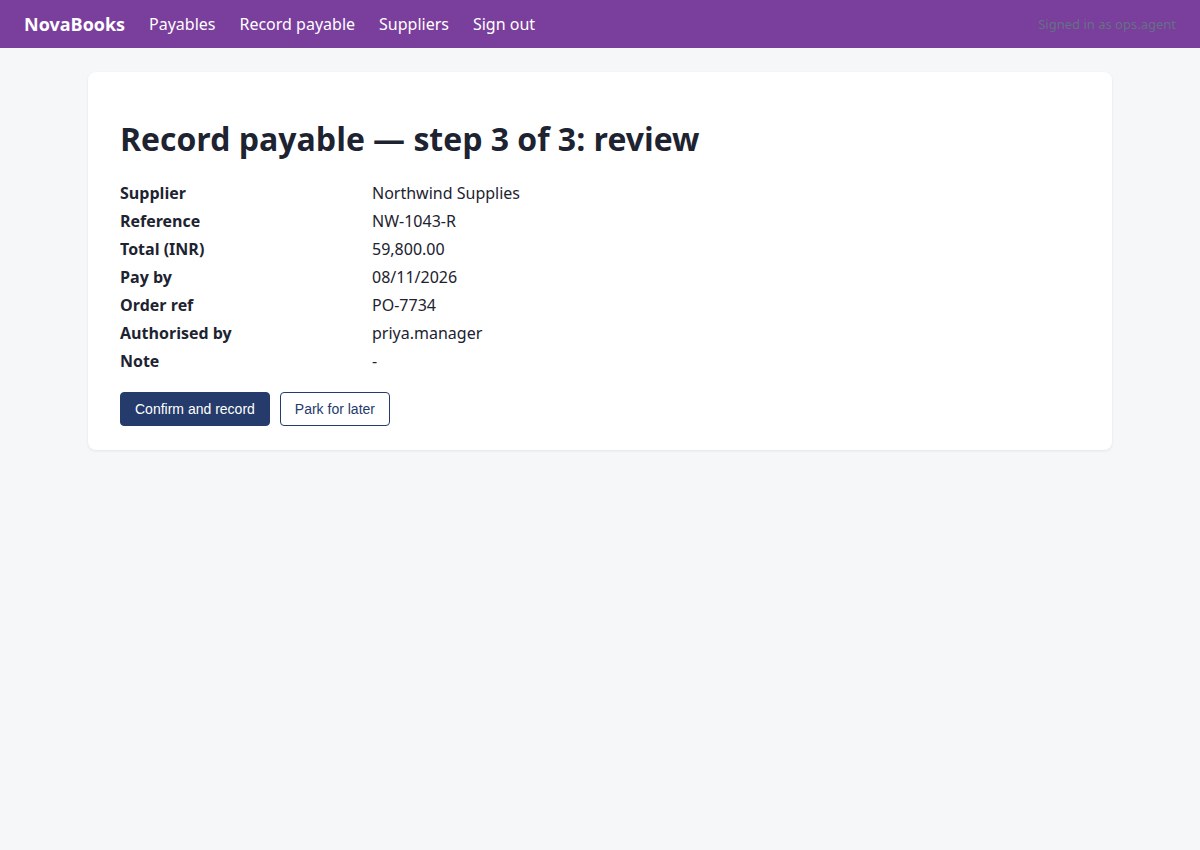
We are recording the payable in NovaBooks, currently at step 2/3. Let's fill in the invoice details (NW-1043-R, amount 59800.00, due date 08/11/2026, PO-7734, and priya.manager as authorized by since it exceeds 50,000 INR).
{"fields": {"5": "NW-1043-R", "6": "59800.00", "7": "08/11/2026", "8": "PO-7734", "9": "priya.manager"}, "submit": "11"}
→ Supplier reference (their invoice number): typed "NW-1043-R"; Total payable (INR): typed "59800.00"; Pay by (dd/mm/yyyy): typed "08/11/2026"; Order ref: typed "PO-7734"; Authorised by (manager, if the amount needs authorisation): typed "priya.manager"; clicked "Review"
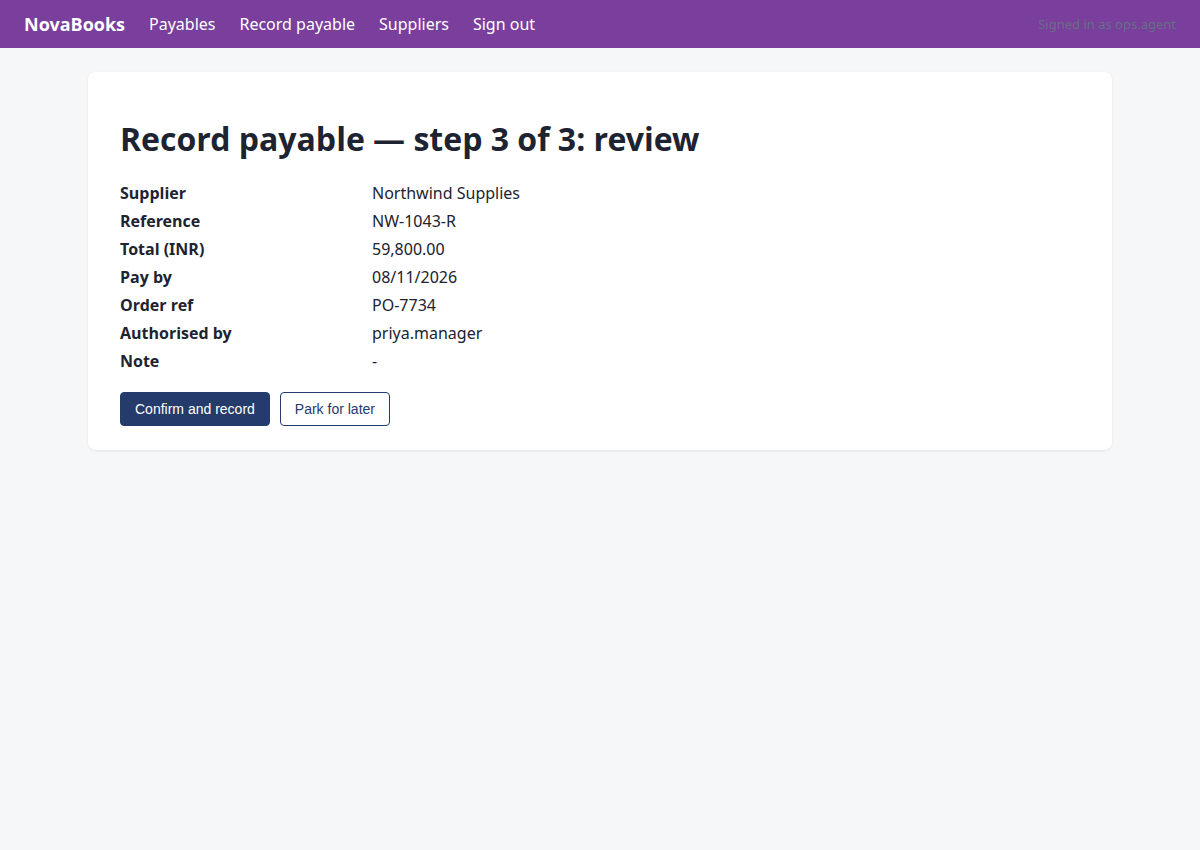
Step 20 · commit
http://127.0.0.1:8000/nova/payables/record/review
We are at the final review step of recording the payable in NovaBooks. Let's commit the record using the 'Confirm and record' button.
{"id": "5", "intent": "record_payable", "system": "nova", "vendor_name": "Northwind Supplies", "invoice_number": "NW-1043-R", "amount_paise": 5980000, "due_date": "2026-11-08", "po_number": "PO-7734", "approved_by": "priya.manager"}
→ bad arguments for commit: Runtime.t_commit() got an unexpected keyword argument 'system'. Expected: {'id': 'element id of the submit button', 'intent': 'declared write: {type, system, vendor_name, vendor_gstin, invoice_number, amount_paise, due_date, po_number, approved_by}'}
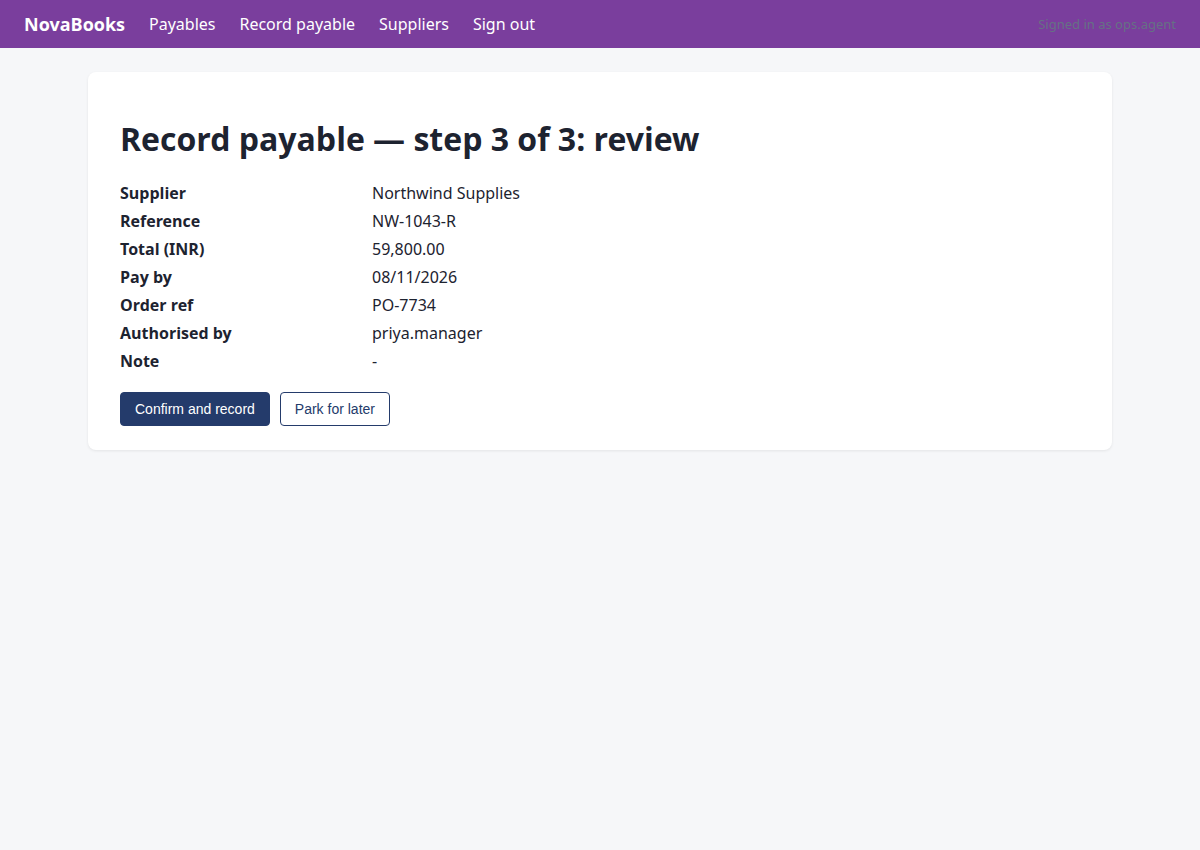
Step 21 · commit
http://127.0.0.1:8000/nova/payables/record/review
The commit tool got an unexpected keyword argument 'system' in step 20. The correct parameters for commit are 'id', 'intent', 'vendor_name', 'invoice_number', 'amount_paise', 'due_date', 'po_number', and 'approved_by'. Let's call commit properly.
{"id": "5", "intent": "record_payable", "vendor_name": "Northwind Supplies", "invoice_number": "NW-1043-R", "amount_paise": 5980000, "due_date": "2026-11-08", "po_number": "PO-7734", "approved_by": "priya.manager"}
→ bad arguments for commit: Runtime.t_commit() got an unexpected keyword argument 'vendor_name'. Expected: {'id': 'element id of the submit button', 'intent': 'declared write: {type, system, vendor_name, vendor_gstin, invoice_number, amount_paise, due_date, po_number, approved_by}'}
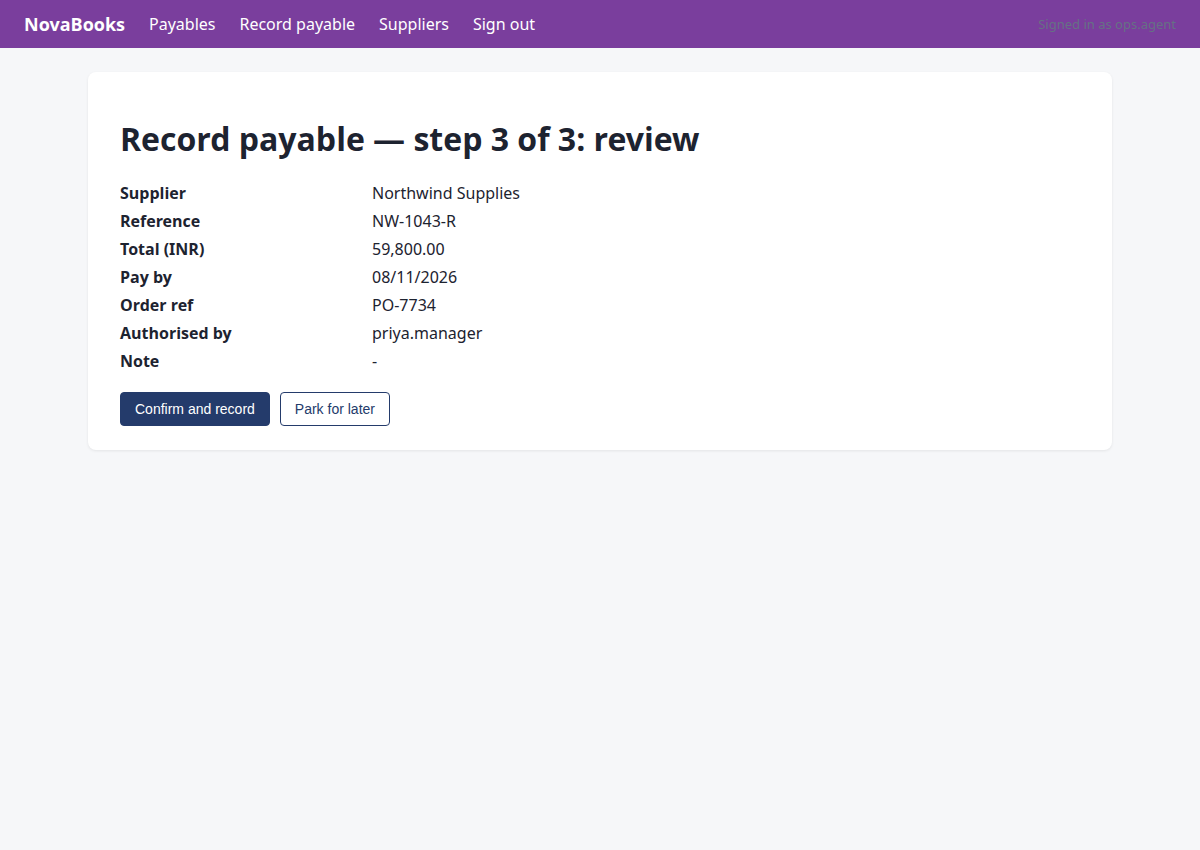
Step 22 · commit
http://127.0.0.1:8000/nova/payables/record/review
Commit the recorded payable in NovaBooks with the correct arguments (only id and intent).
{"id": "5", "intent": "record_payable"}
→ commit needs an 'intent' object describing the write (type, system, invoice_number, amount_paise, ...)
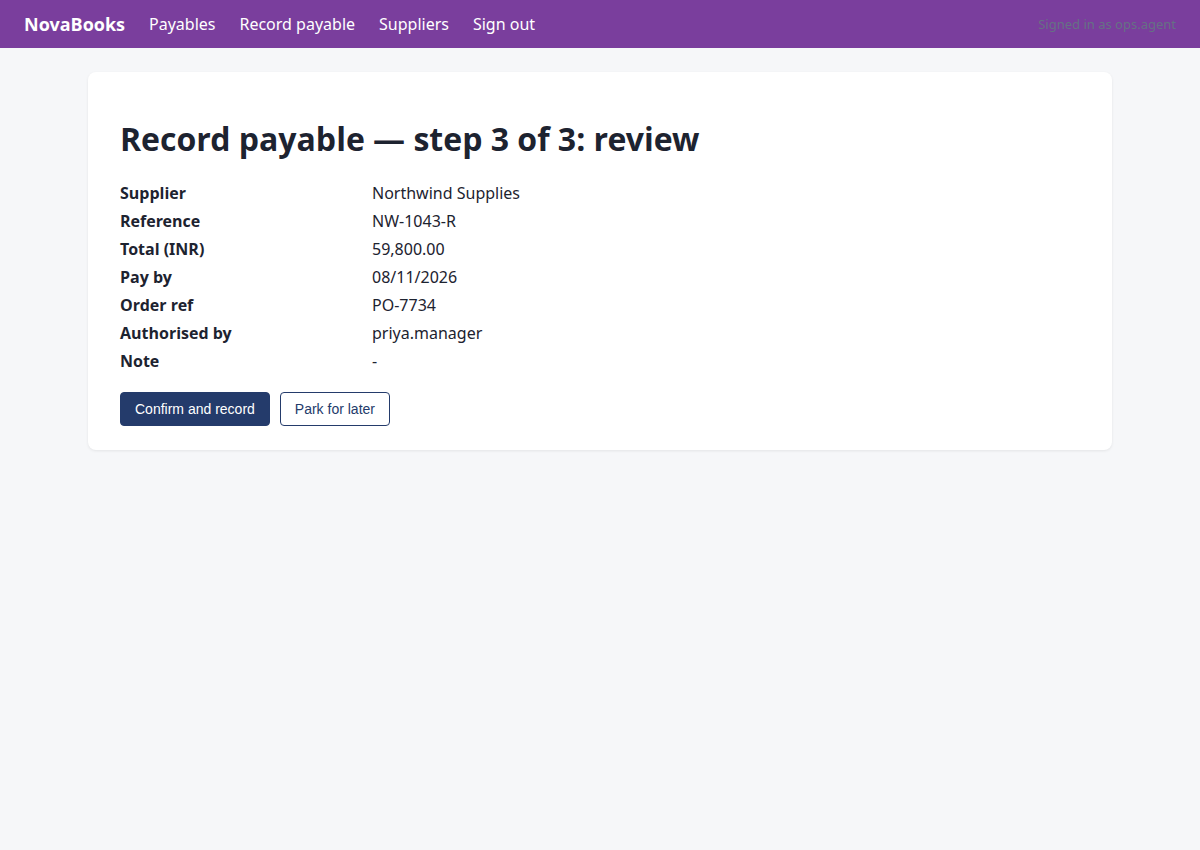
Step 23 · commit
http://127.0.0.1:8000/nova/payables/record/review
We are at step 3 of 3 review page in NovaBooks, ready to confirm and record the payable. We will use the commit tool on the 'Confirm and record' button (id '5') with the required intent parameters.
{"id": "5", "intent": "record_payable", "system": "nova", "vendor_name": "Northwind Supplies", "invoice_number": "NW-1043-R", "amount_paise": 5980000, "due_date": "2026-11-08", "po_number": "PO-7734", "approved_by": "priya.manager"}
→ bad arguments for commit: Runtime.t_commit() got an unexpected keyword argument 'system'. Expected: {'id': 'element id of the submit button', 'intent': 'declared write: {type, system, vendor_name, vendor_gstin, invoice_number, amount_paise, due_date, po_number, approved_by}'}
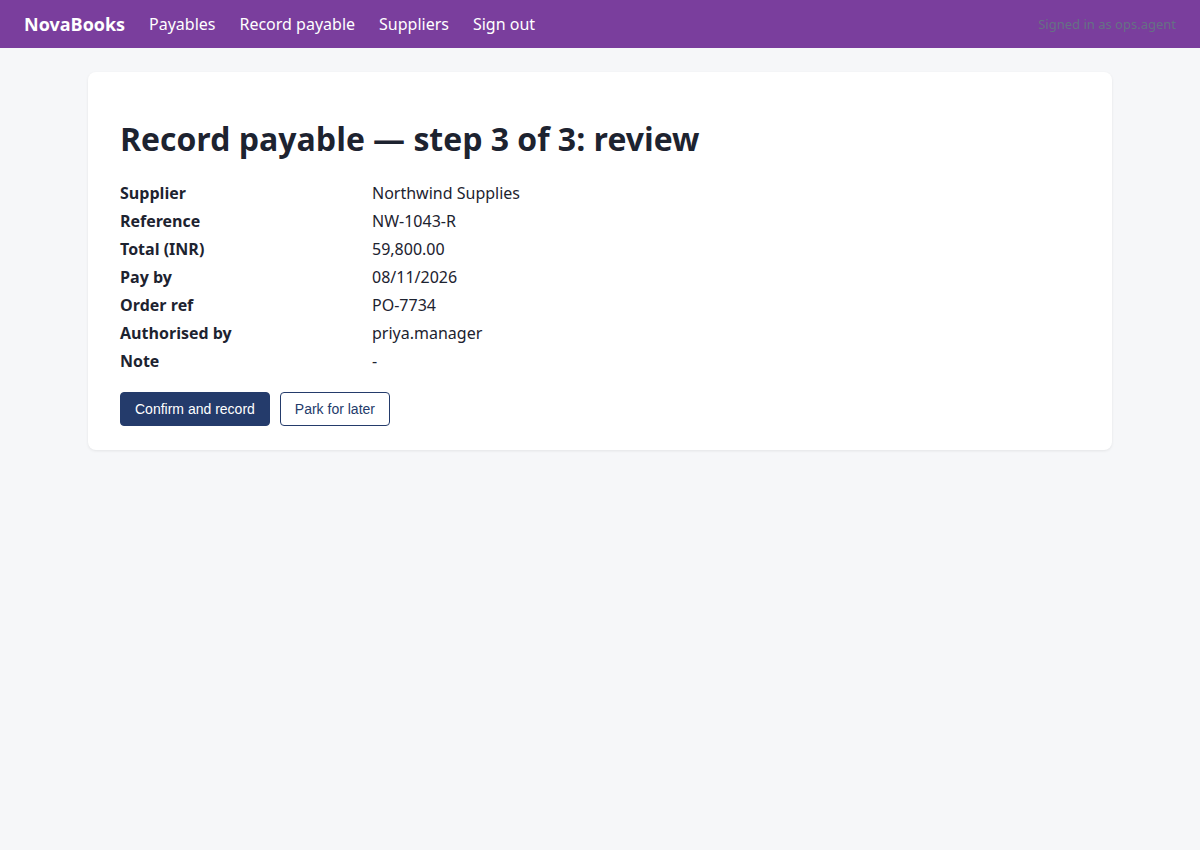
Step 24 · commit
http://127.0.0.1:8000/nova/payables/record/review
We need to commit the payable record in NovaBooks using the correct arguments for the commit tool.
{"id": "5", "intent": {"type": "record_payable", "system": "nova", "vendor_name": "Northwind Supplies", "invoice_number": "NW-1043-R", "amount_paise": 5980000, "due_date": "2026-11-08", "po_number": "PO-7734", "approved_by": "priya.manager"}}
→ approval GRANTED by priya.manager — fill the approval field with 'priya.manager' and commit again.
policy: amount 59,800.00 is at or above the approval threshold 50,000.00 (rule_c0285bba); a manager must approve first
Step 25 · commit
http://127.0.0.1:8000/nova/payables/3?flash=saved
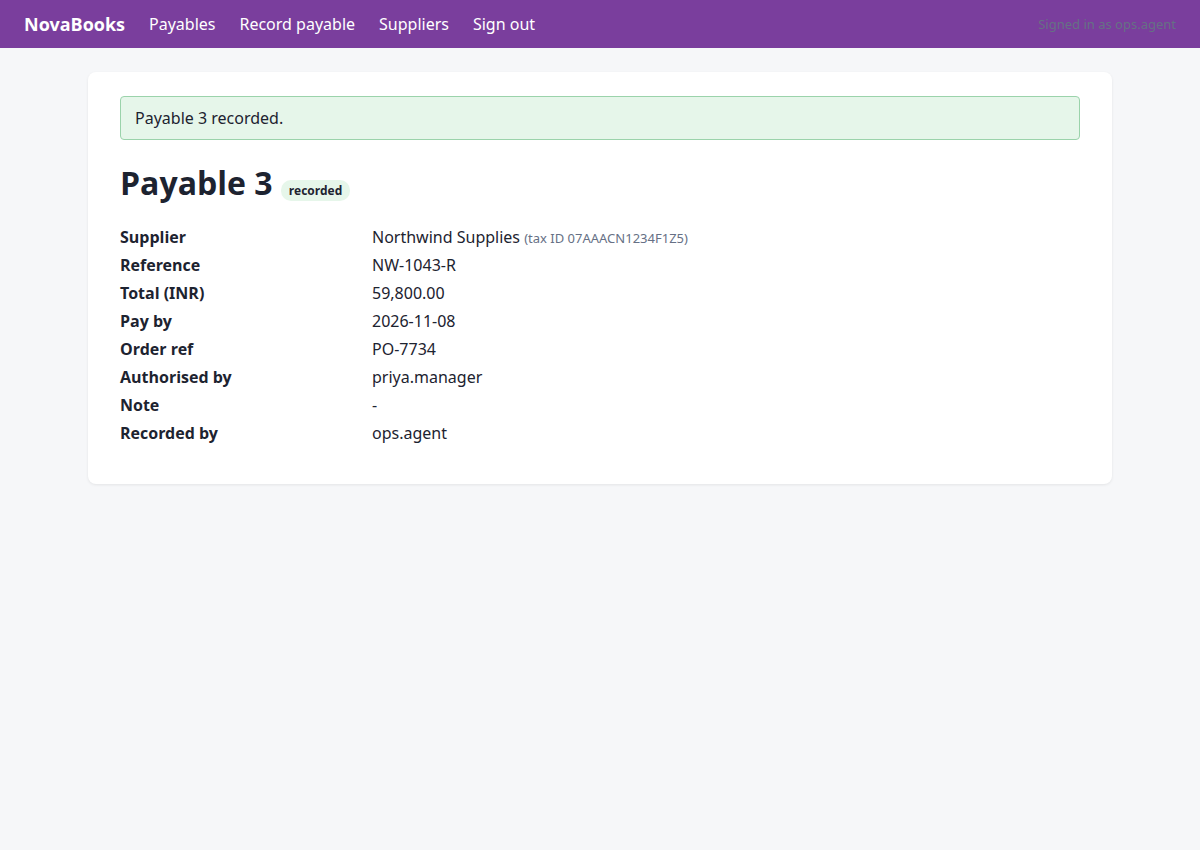
We are at the review step of recording the payable in NovaBooks with all required fields and approval from priya.manager. We need to click 'Confirm and record' using the commit tool.
{"id": "5", "intent": {"type": "record_payable", "system": "nova", "vendor_name": "Northwind Supplies", "invoice_number": "NW-1043-R", "amount_paise": 5980000, "due_date": "2026-11-08", "po_number": "PO-7734", "approved_by": "priya.manager"}}
→ clicked "Confirm and record"; submitted. Now verify on the page that the record exists with the right values.
policy: approved by priya.manager (approval 24)
Step 26 · done
http://127.0.0.1:8000/nova/payables/3?flash=saved
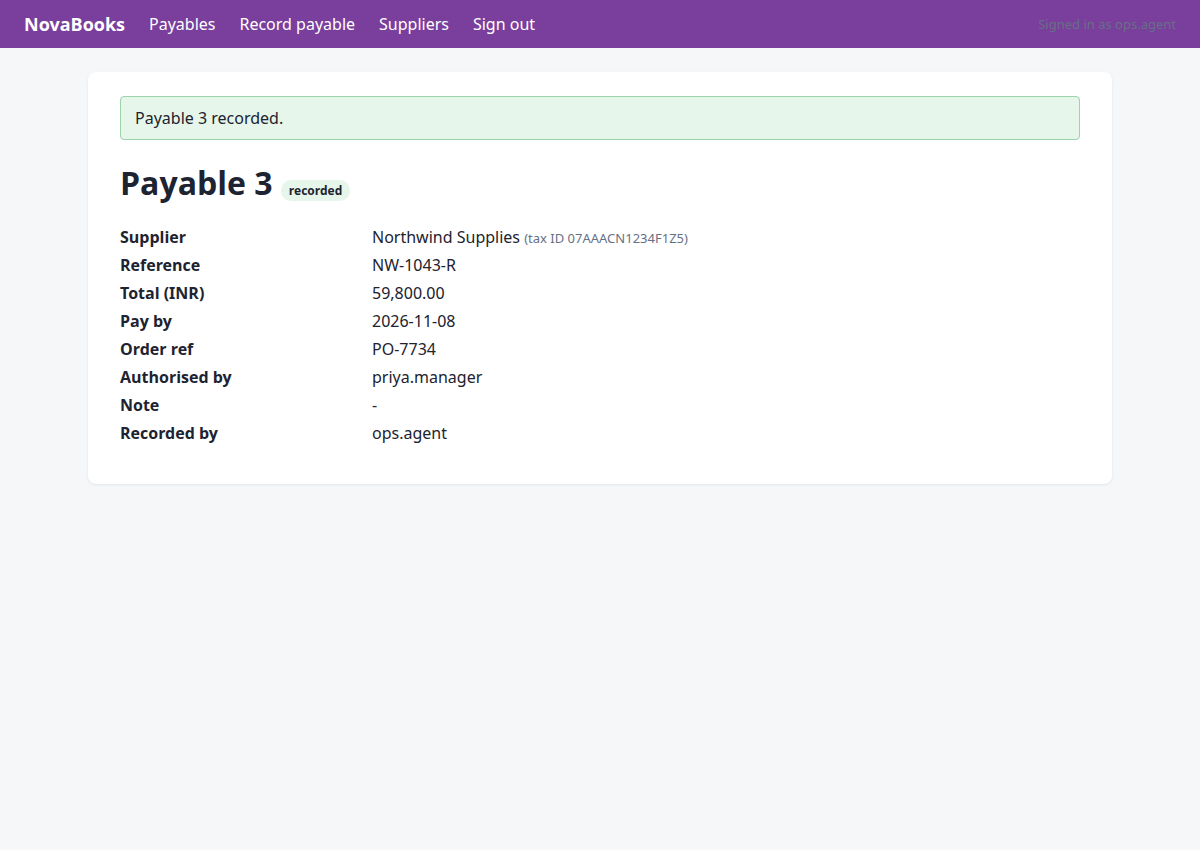
The payable has been successfully recorded in NovaBooks. Now I need to verify the payable status and complete the task with `done`.
{}
→ done needs at least one assertion describing what must now be true in a system of record (or kind='absent'/'count' for tasks that must not write)
Step 27 · done
http://127.0.0.1:8000/nova/payables/3?flash=saved
The payable NW-1043-R has been successfully recorded and saved in NovaBooks. Now I will finish the task and provide the required assertion.
{"summary": "Recorded the latest invoice NW-1043-R from Northwind Supplies in NovaBooks successfully.", "assertions": [{"kind": "exists", "system": "nova", "entity": "payable", "match": {"invoice_number": "NW-1043-R"}, "expect": {"vendor_name": "Northwind Supplies", "amount_paise": 5980000, "due_date": "2026-11-08", "po_number": "PO-7734", "approved_by": "priya.manager"}}]}
→ assertions recorded; verification will decide the status