Find the latest invoice from Northwind Supplies, extract the amount and due date, enter it into Ledger, and tell me once it is done
Status: completed · verifier: completed — all 1 assertion(s) hold; no undeclared writes
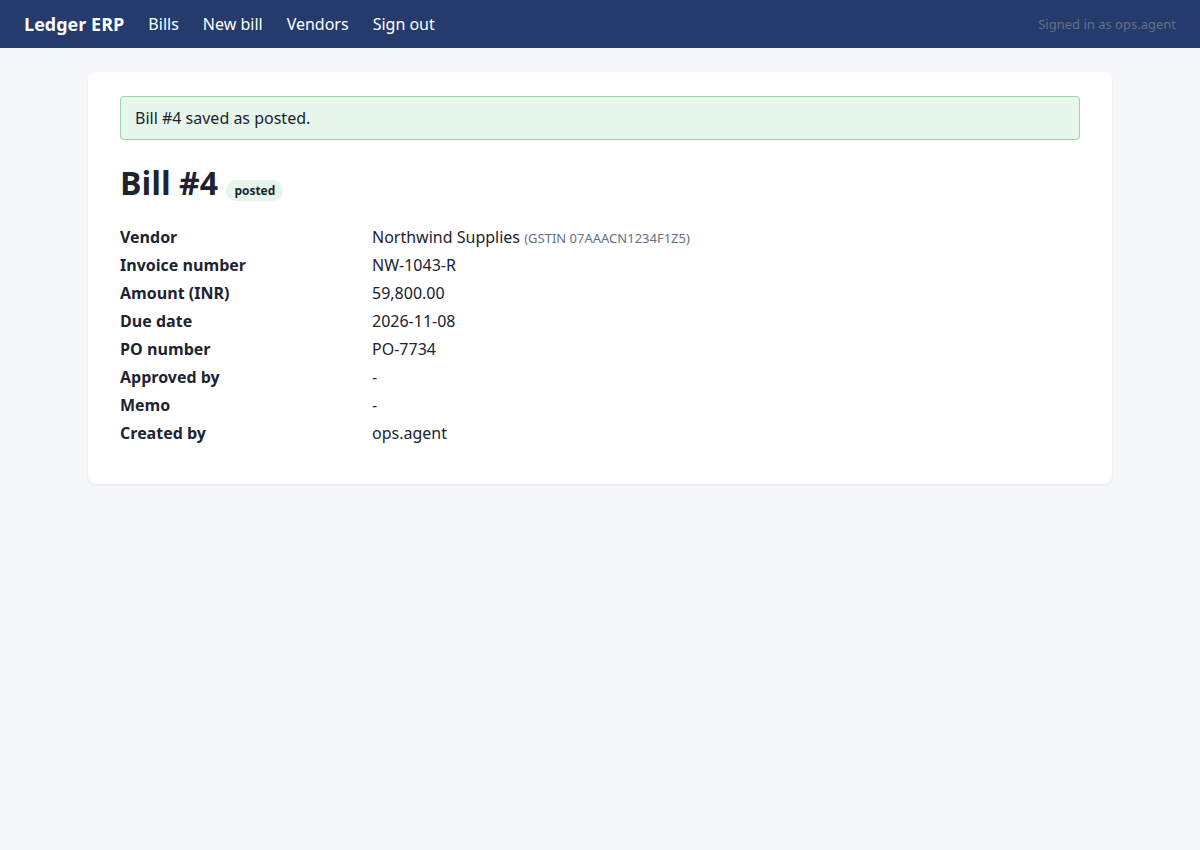
Found the latest Northwind Supplies invoice NW-1043-R (revised, supersedes NW-1043) on the Supplier Portal. Read the PDF: total Rs 59,800.00, due date 2026-11-08, PO-7734, vendor GSTIN 07AAACN1234F1Z5. Confirmed no duplicate in Ledger ERP. Recorded the bill in Ledger ERP as Bill #4, status posted. Verified the record matches all expected fields.
Verification
- ✅ row exists with the expected values
Steps
Step 1 · navigate
http://127.0.0.1:8000/portal/login?next=/portal/invoices&reason=signed_out
Start by navigating to the Supplier Portal to find the latest Northwind Supplies invoice.
{"url": "/portal/invoices"}
→ opened http://127.0.0.1:8000/portal/login?next=/portal/invoices&reason=signed_out (HTTP 200)
Step 2 · fill_form
http://127.0.0.1:8000/portal/invoices
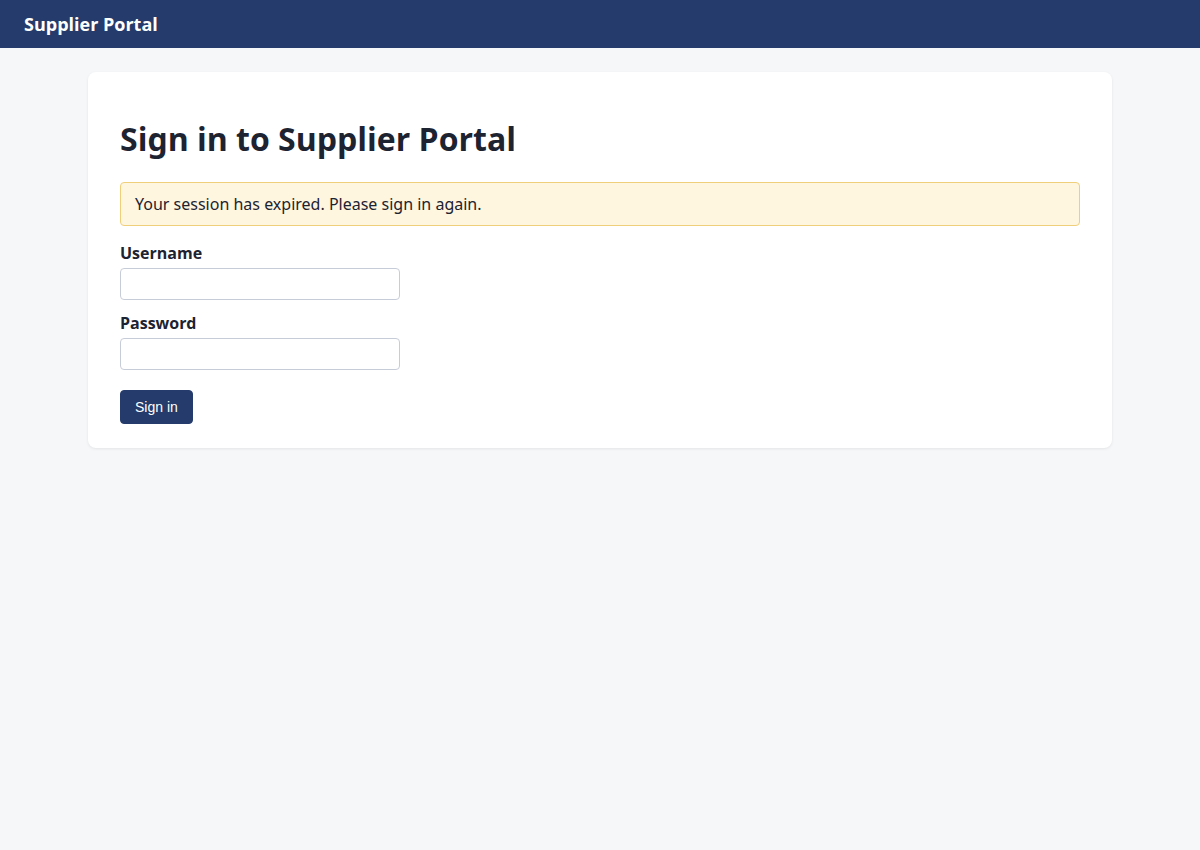
Sign-in page for the Supplier Portal; sign in with ops.agent credentials and continue to the invoices list.
{"fields": {"1": "ops.agent", "2": "acme-ops-2026"}, "submit": "3"}
→ Username: typed "ops.agent"; Password: typed "acme-ops-2026"; clicked "Sign in"
Step 3 · click
http://127.0.0.1:8000/portal/invoices/3
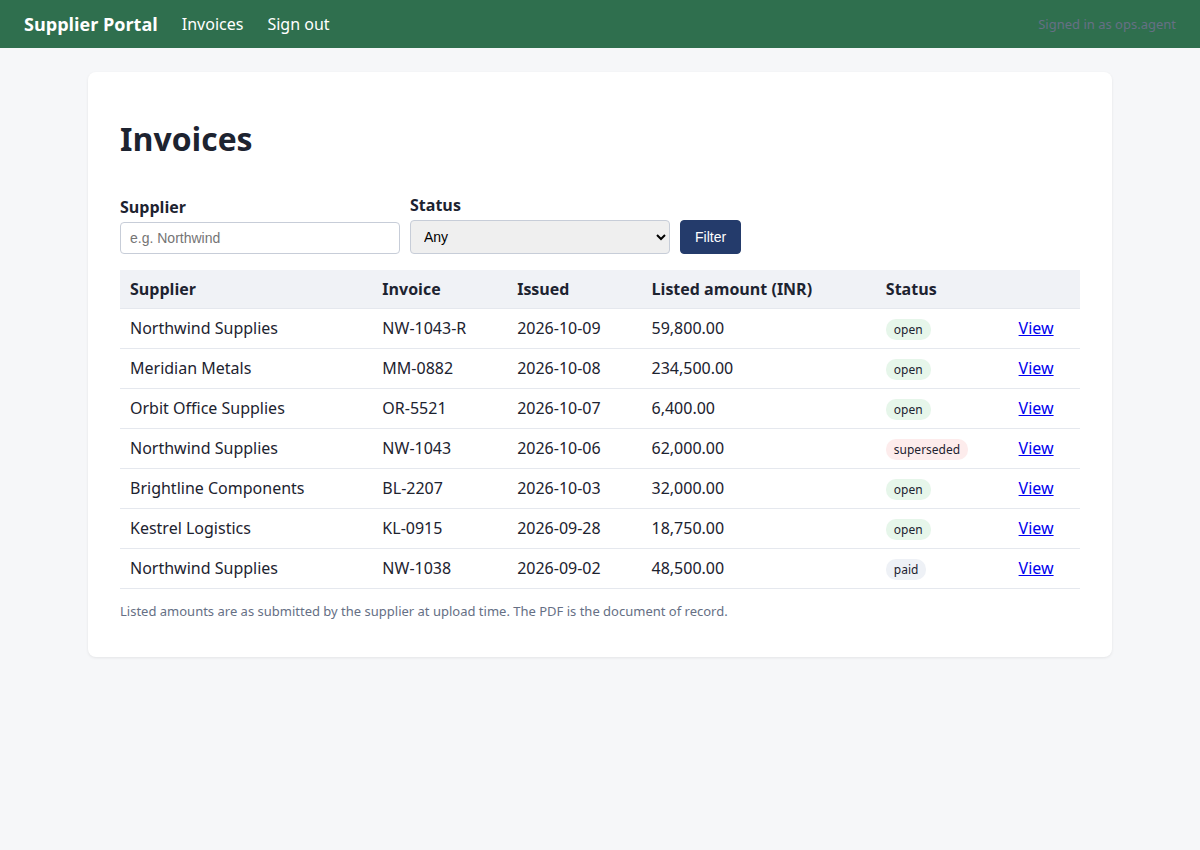
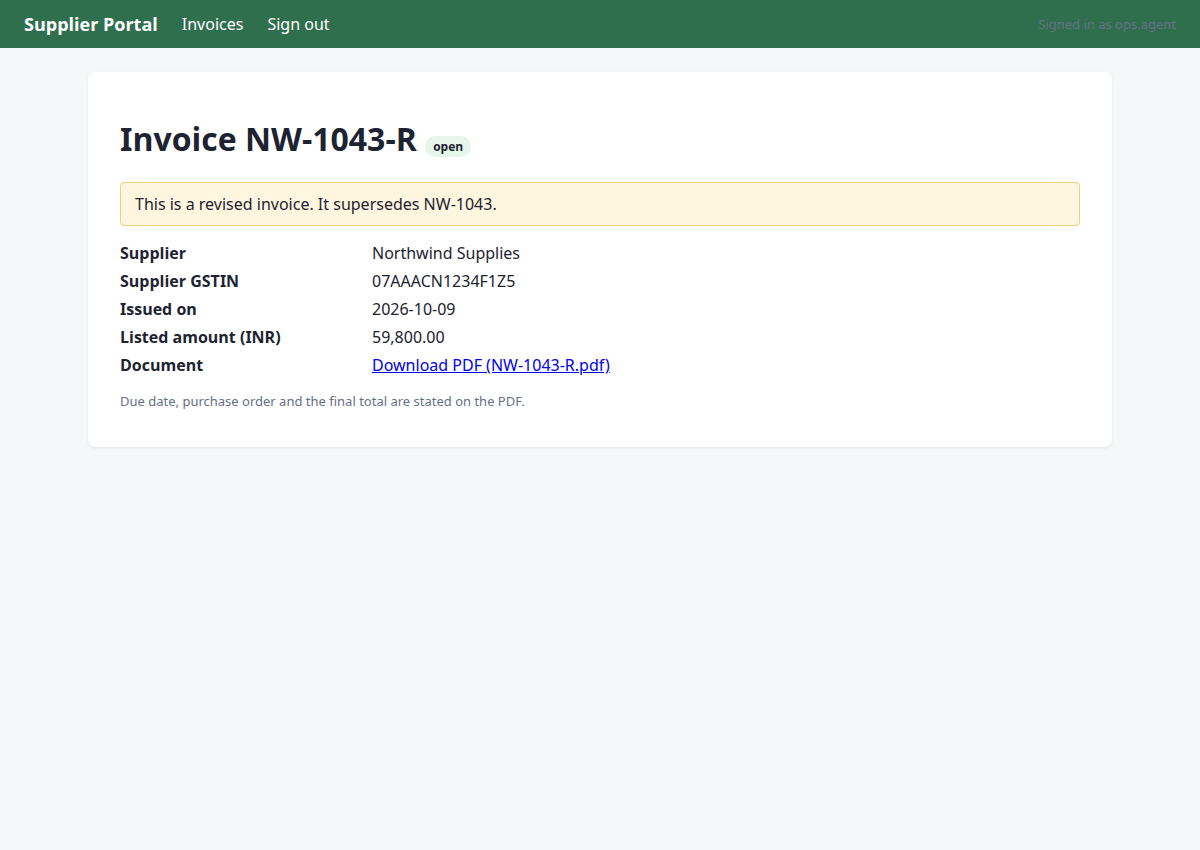
The latest Northwind Supplies invoice is NW-1043-R (2026-10-09, open). NW-1043 is superseded by it. I need to open NW-1043-R's page to see its PDF link and details.
{"id": 6}
→ clicked "View"
Step 4 · read_pdf
http://127.0.0.1:8000/portal/invoices/3
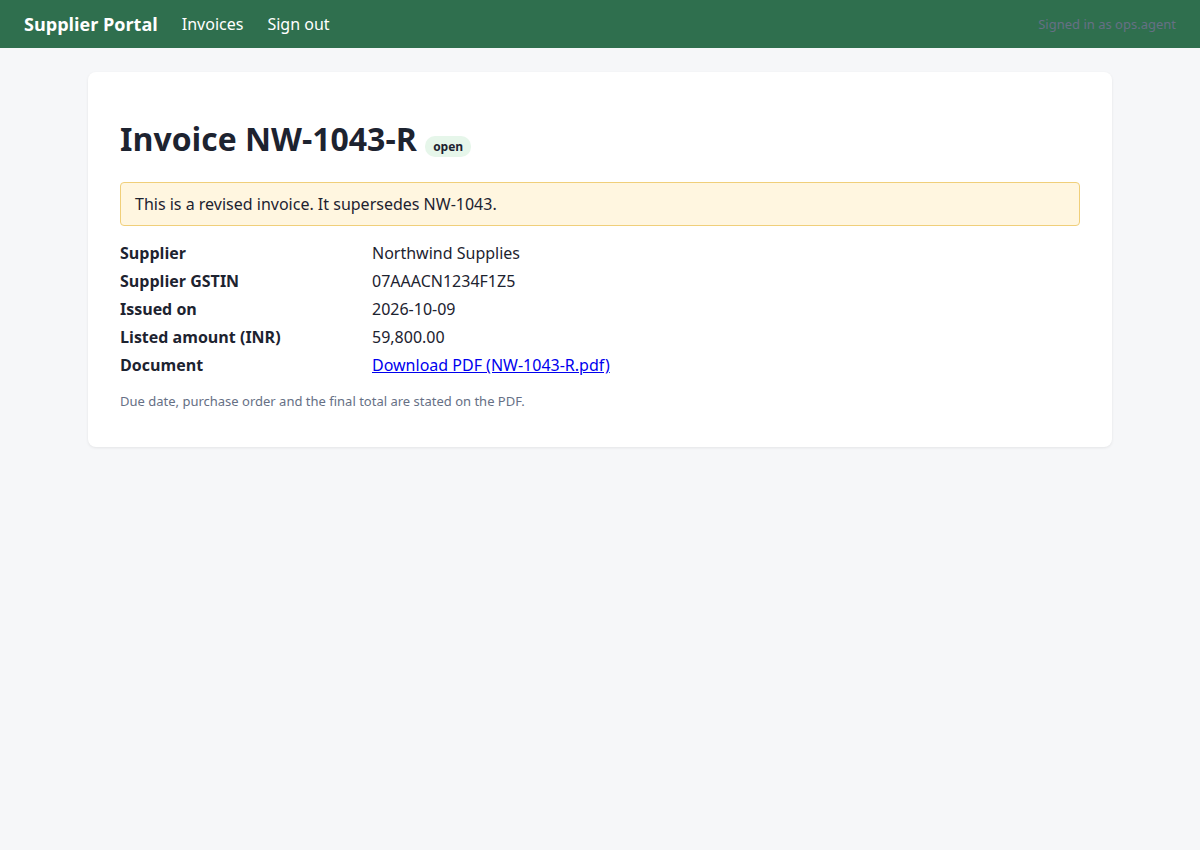
I'm on the invoice page for NW-1043-R (revised invoice from Northwind Supplies). I need to read the PDF to extract the final total, due date, and PO number.
{"url": "/portal/invoices/3/pdf"}
→ PDF text:
Northwind Supplies
GSTIN 07AAACN1234F1Z5 | accounts@northwind.example
TAX INVOICE (REVISED)
Invoice number:
NW-1043-R
Invoice date:
2026-10-09
Due date:
2026-11-08
Purchase order:
PO-7734
Bill to:
Acme Robotics Pvt Ltd, New Delhi
This invoice supersedes NW-1043.
Item
Qty
Unit price
Amount
Linear actuator LA-220
8
Rs 7,475.00
Rs 59,800.00
Total due (INR):
Rs 59,800.00
Step 5 · note_fact
http://127.0.0.1:8000/portal/invoices/3
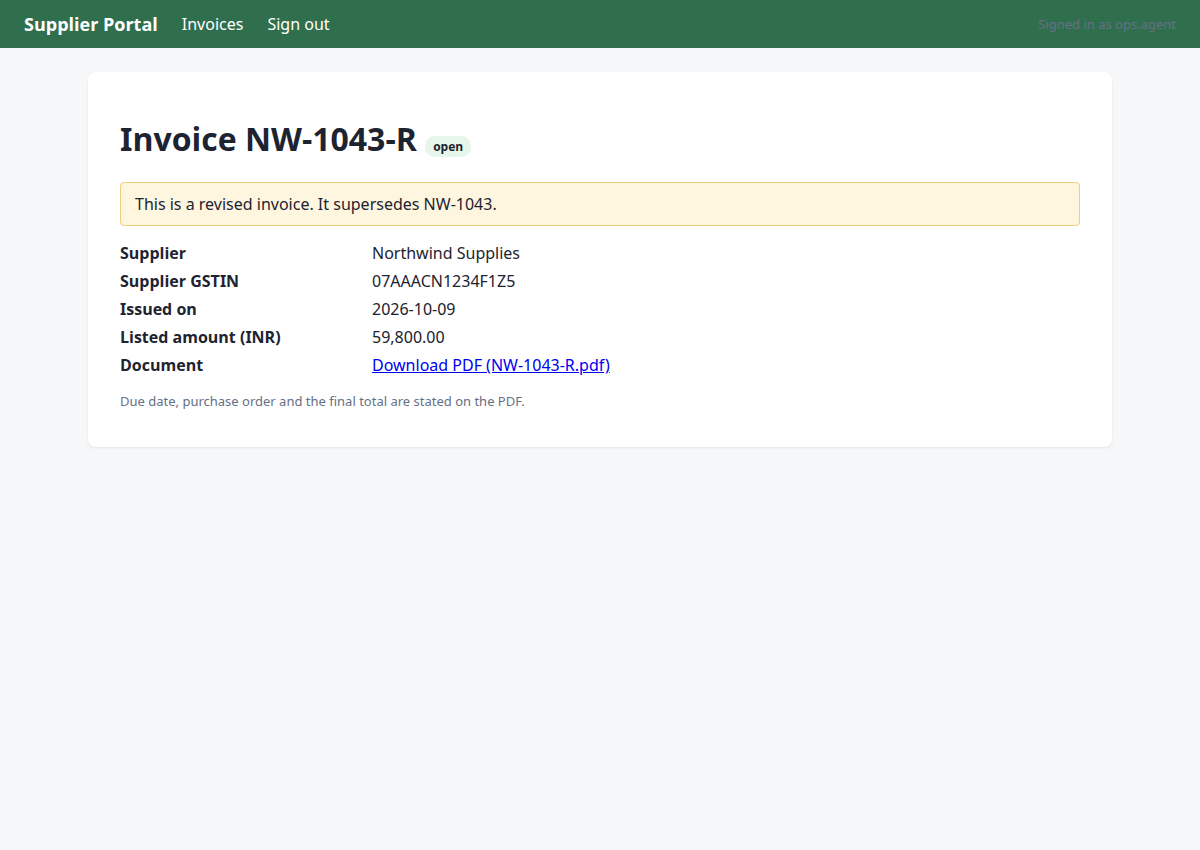
Record all facts from the PDF: pdf_total, due_date, po, vendor_gstin, and note that this is a revised invoice superseding NW-1043.
{"facts": {"pdf_total": 5980000, "due_date": "2026-11-08", "po": "PO-7734", "vendor_gstin": "07AAACN1234F1Z5"}, "invoice": "NW-1043-R", "source": "PDF /portal/invoices/3/pdf"}
→ noted pdf_total:NW-1043-R = '5980000'; due_date:NW-1043-R = '2026-11-08'; po:NW-1043-R = 'PO-7734'; vendor_gstin:NW-1043-R = '07AAACN1234F1Z5' (source: PDF /portal/invoices/3/pdf)
Step 6 · navigate
http://127.0.0.1:8000/ledger/login?next=/ledger/&reason=signed_out
I have all PDF facts recorded. Now I need to check for duplicates in Ledger ERP before recording the bill. Let me navigate to Ledger.
{"url": "/ledger/"}
→ opened http://127.0.0.1:8000/ledger/login?next=/ledger/&reason=signed_out (HTTP 200)
Step 7 · fill_form
http://127.0.0.1:8000/ledger/
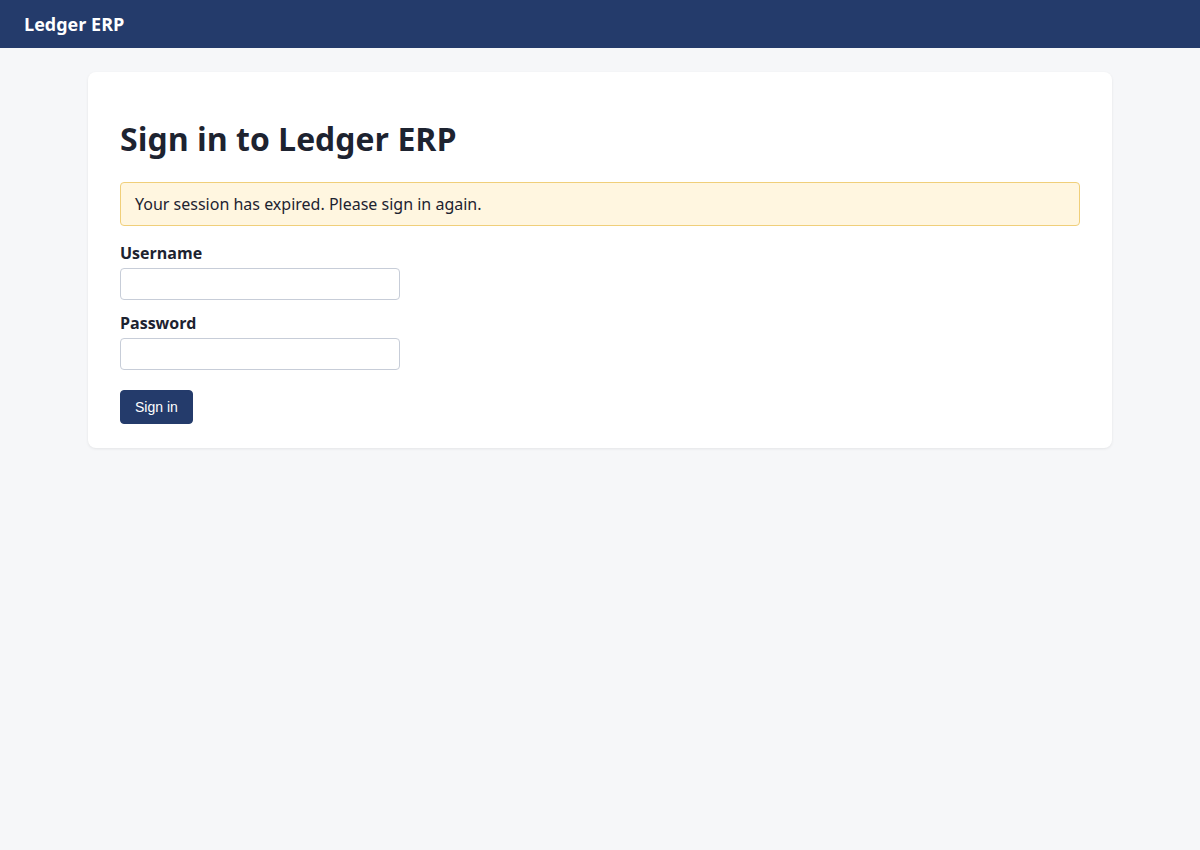
Session expired on Ledger ERP. Need to sign in again with the credentials.
{"fields": {"1": "ops.agent", "2": "acme-ops-2026"}, "submit": "3"}
→ Username: typed "ops.agent"; Password: typed "acme-ops-2026"; clicked "Sign in"
Step 8 · click
http://127.0.0.1:8000/ledger/bills
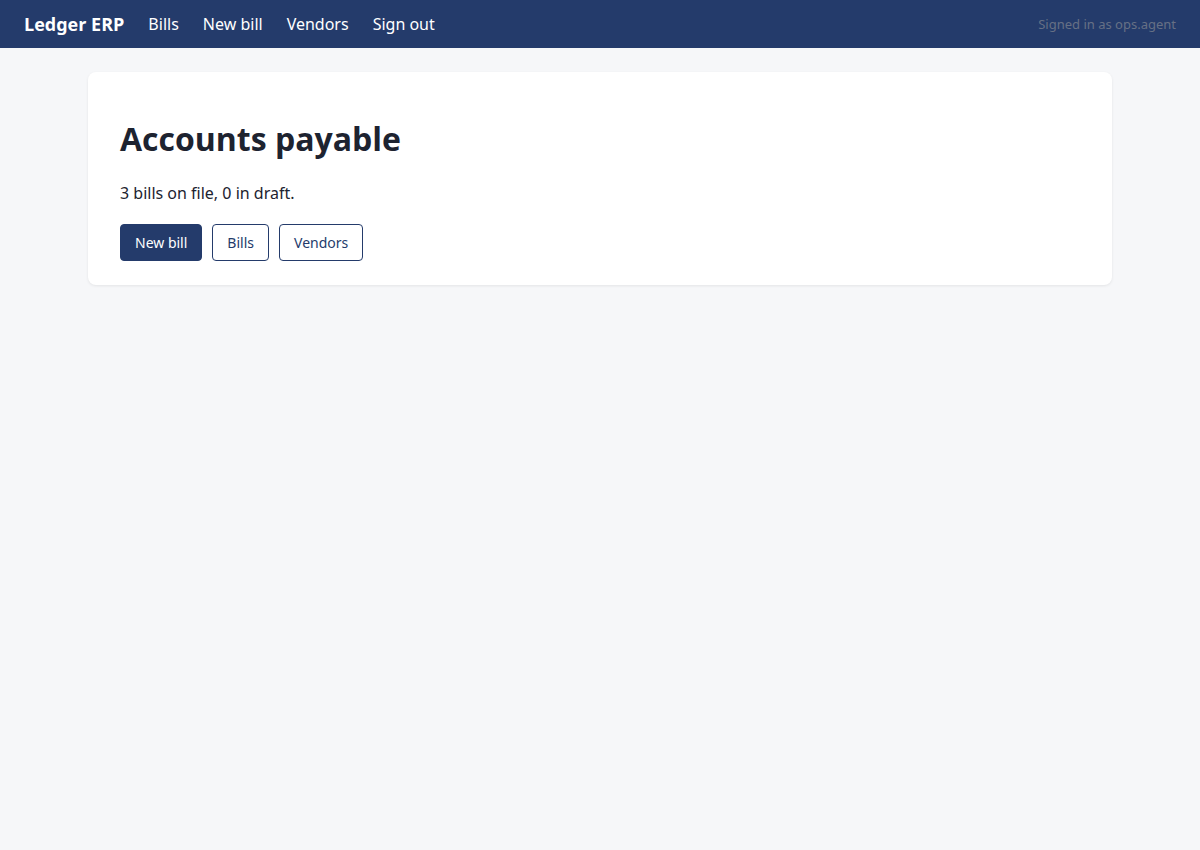
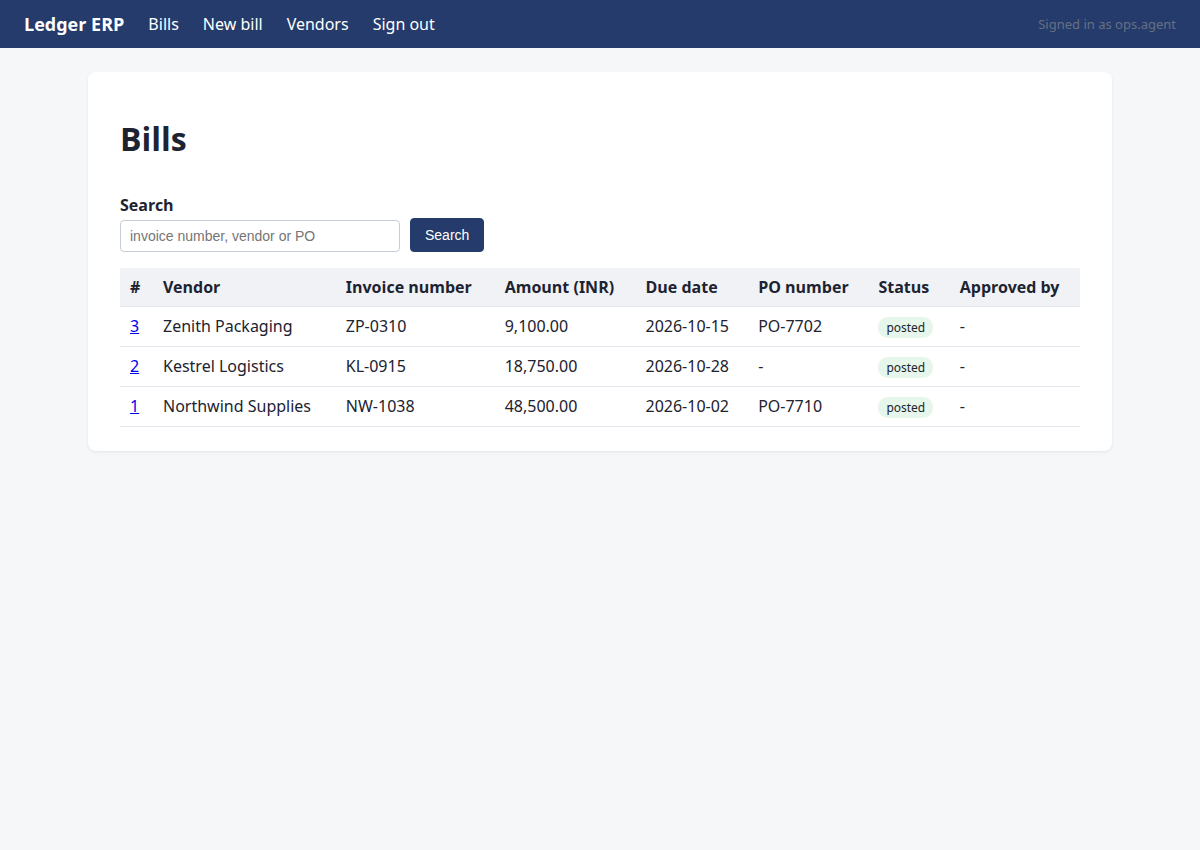
I'm signed into Ledger. Before creating the bill, I need to check for duplicates by searching the existing bills for NW-1043-R (and NW-1043). Let me open the Bills list.
{"id": 1}
→ clicked "Bills"
Step 9 · type
http://127.0.0.1:8000/ledger/bills
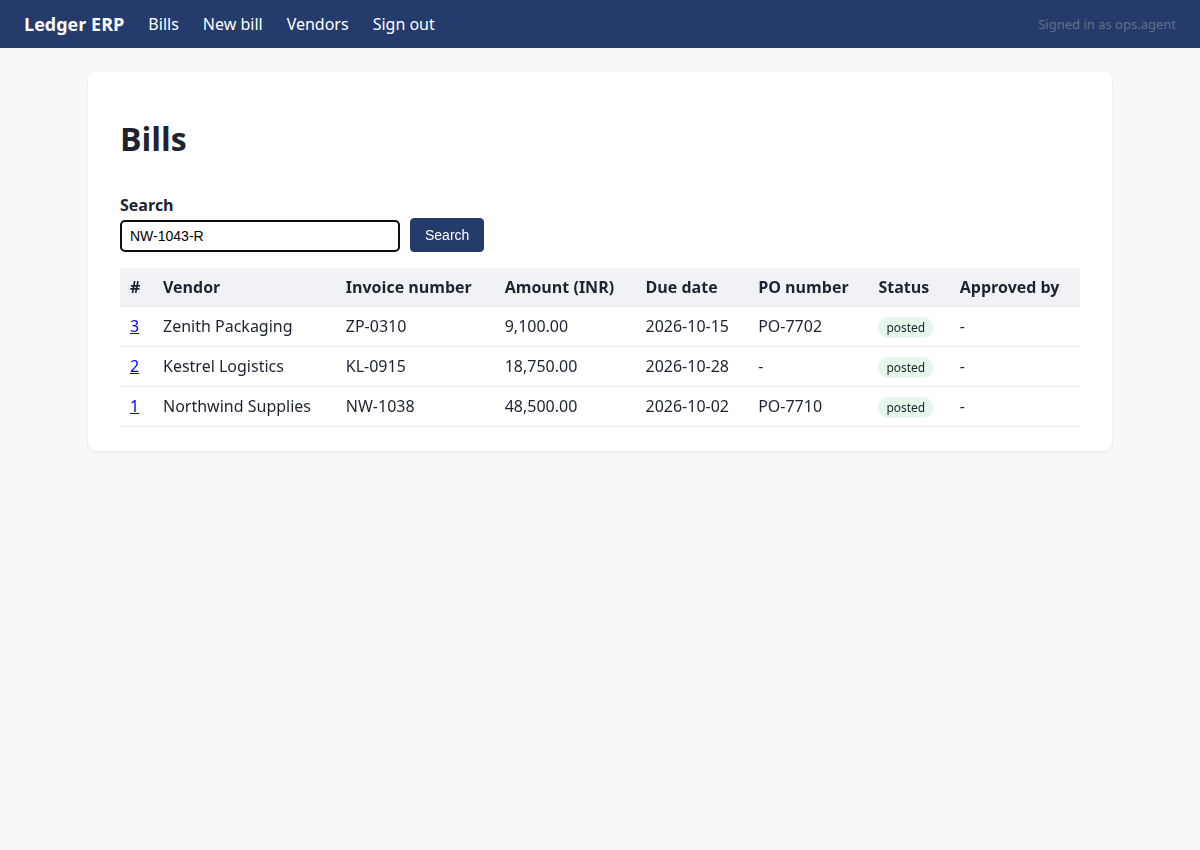
I need to check for duplicates of NW-1043-R in the Ledger. I'll search for it using the search box.
{"id": 5, "text": "NW-1043-R"}
→ typed "NW-1043-R"
Step 10 · click
http://127.0.0.1:8000/ledger/bills?q=NW-1043-R
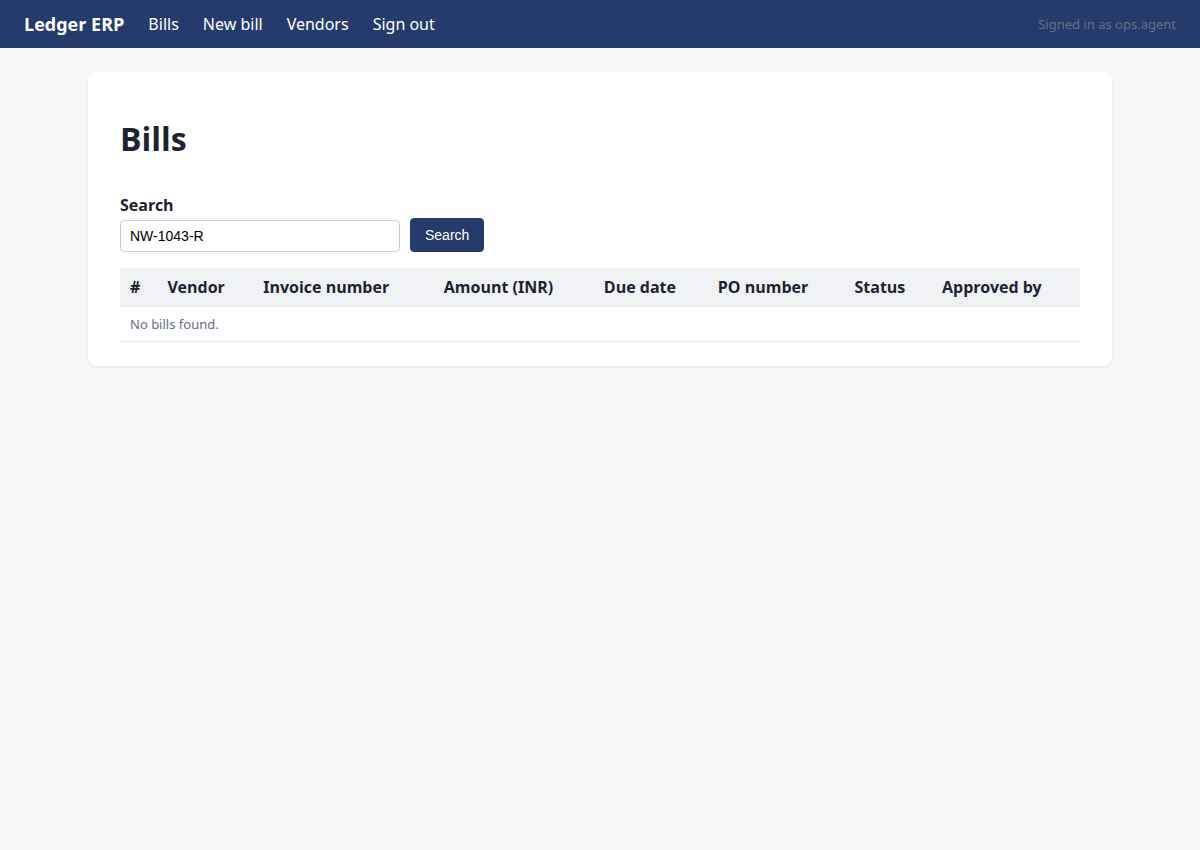
I need to search for NW-1043-R in the Ledger to check for duplicates. I've typed the search term, now I need to click the Search button.
{"id": 6}
→ clicked "Search"
Step 11 · note_fact
http://127.0.0.1:8000/ledger/bills?q=NW-1043-R
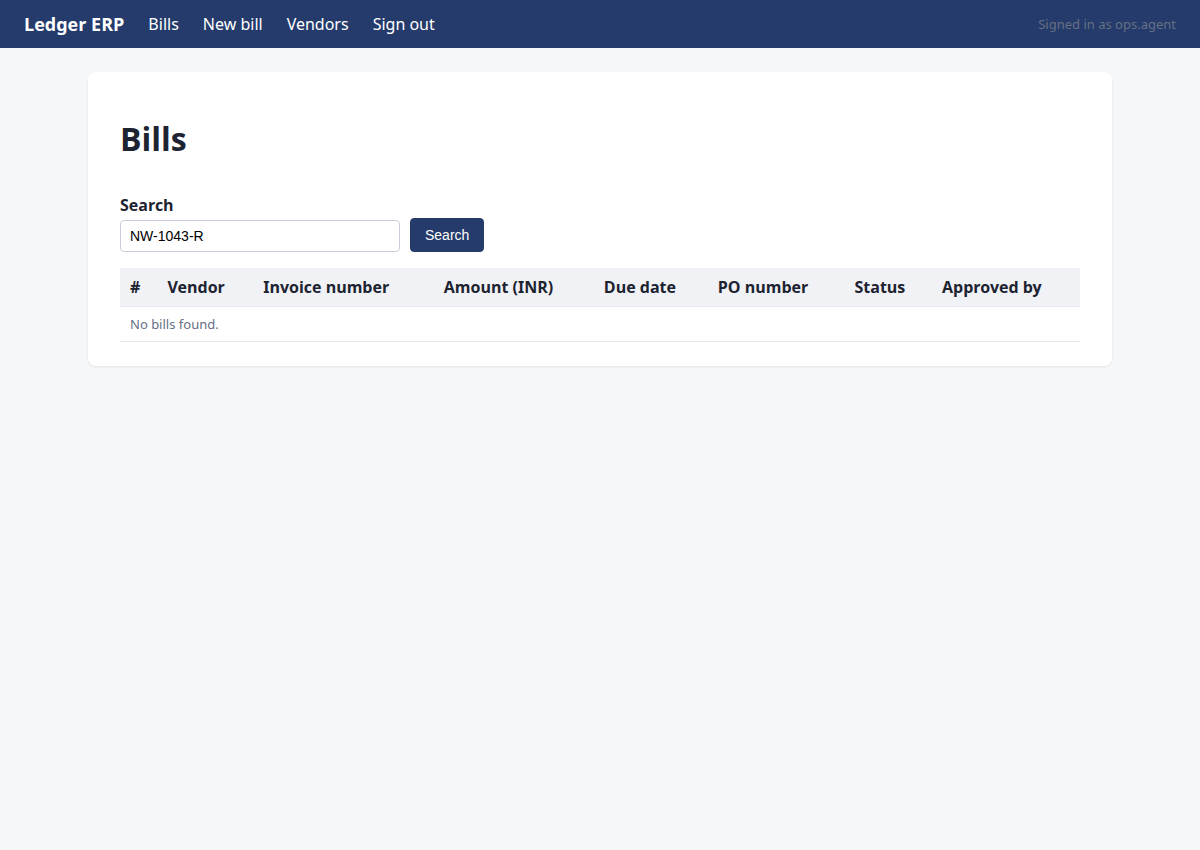
No duplicate found for NW-1043-R in Ledger. I need to record the duplicate_check fact, then proceed to create the bill.
{"facts": {"duplicate_check": "none"}, "invoice": "NW-1043-R", "source": "Ledger ERP search for NW-1043-R returned no results"}
→ noted duplicate_check:NW-1043-R = 'none' (source: Ledger ERP search for NW-1043-R returned no results)
Step 12 · click
http://127.0.0.1:8000/ledger/bills/new
All M2 facts are recorded: pdf_total, due_date, po, vendor_gstin, and duplicate_check. No duplicate exists. Now I need to create the bill in Ledger ERP. Let me navigate to the New bill page.
{"id": 2}
→ clicked "New bill"
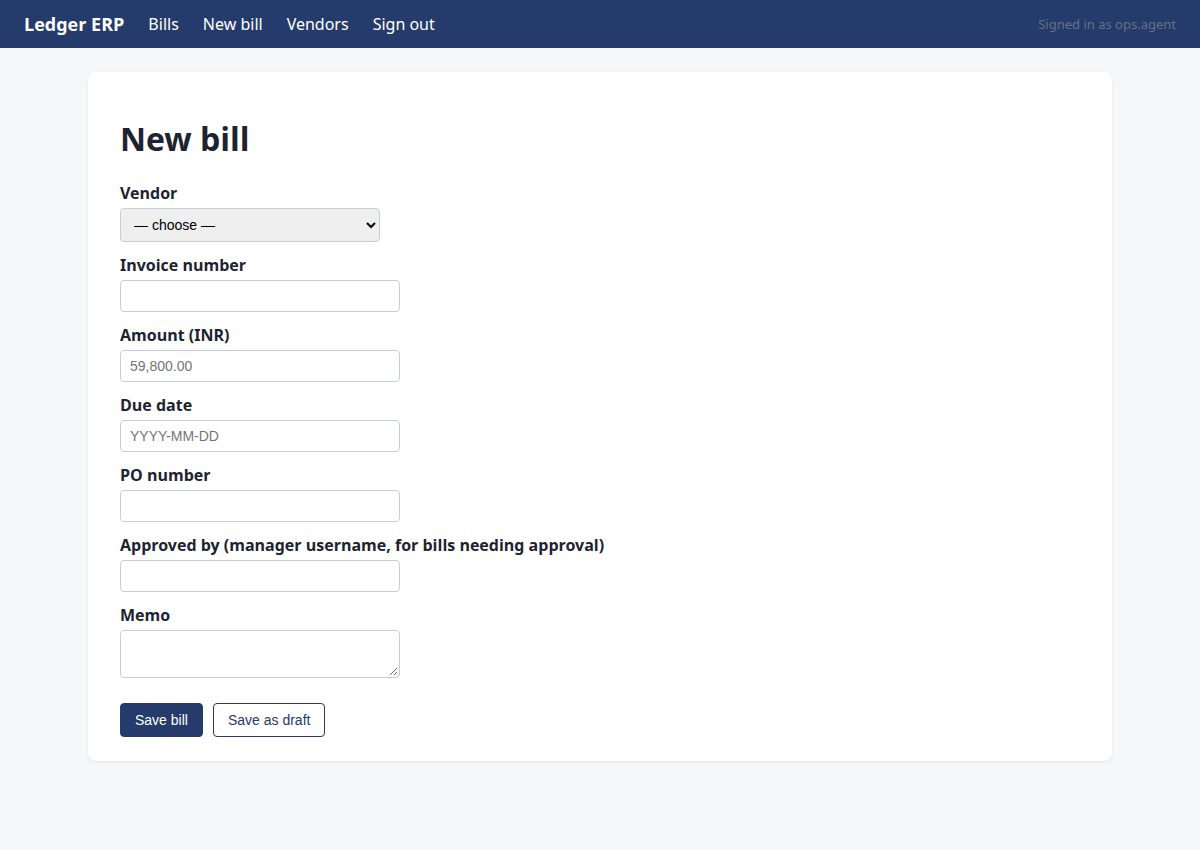
Step 13 · select
http://127.0.0.1:8000/ledger/bills/new
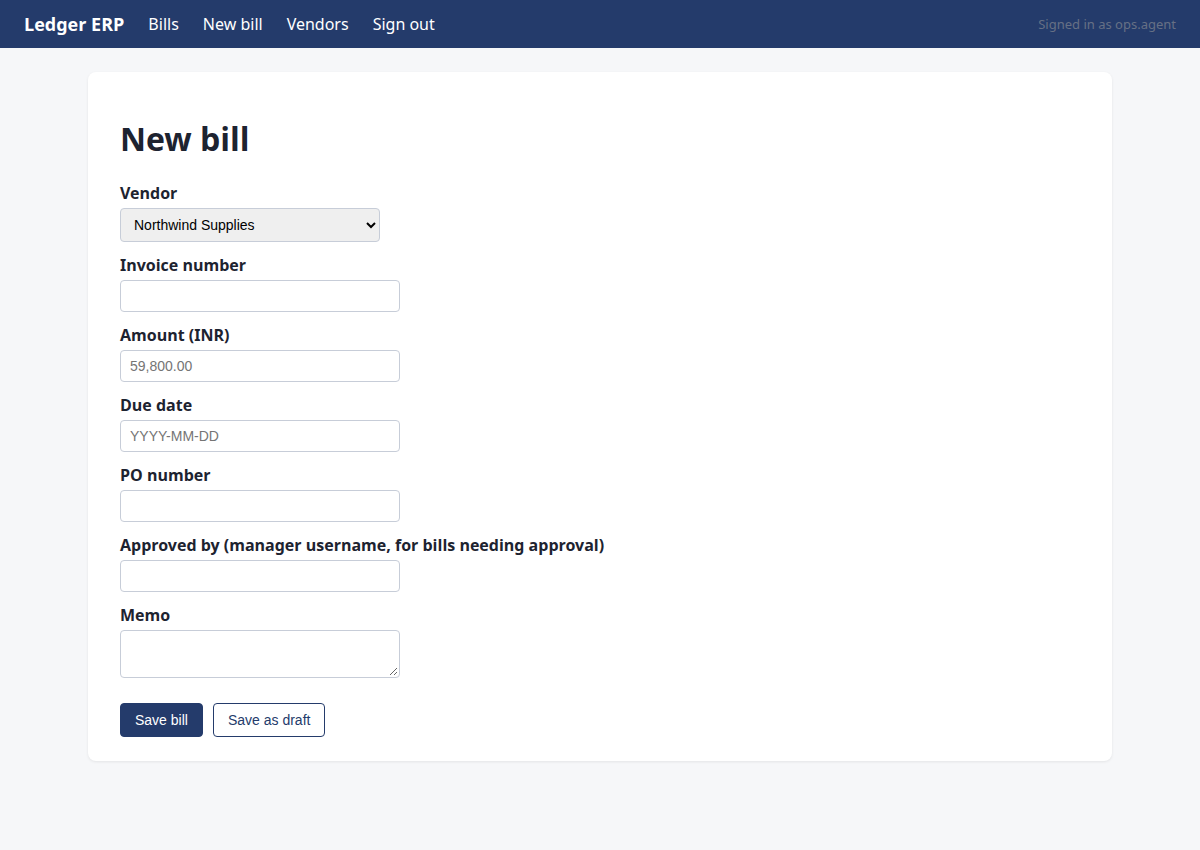
I need to fill in the new bill form. The vendor is Northwind Supplies (GSTIN 07AAACN1234F1Z5). There are two options: 'Northwind Supplies' and 'Northwind Supplies Ltd'. I need to match by GSTIN. Let me first select the vendor - I'll need to check which one has the correct GSTIN. Let me select 'Northwind Supplies' first and see if it matches. Actually, I should check the vendor details. But for now, let me fill in the form fields. The amount is Rs 59,800.00 which is 59800.00 in the ledger format. Since this is below Rs 100,000, no manager approval is needed. Let me fill in the form.
{"id": 5, "option": "Northwind Supplies"}
→ selected "Northwind Supplies"
Step 14 · type
http://127.0.0.1:8000/ledger/bills/new
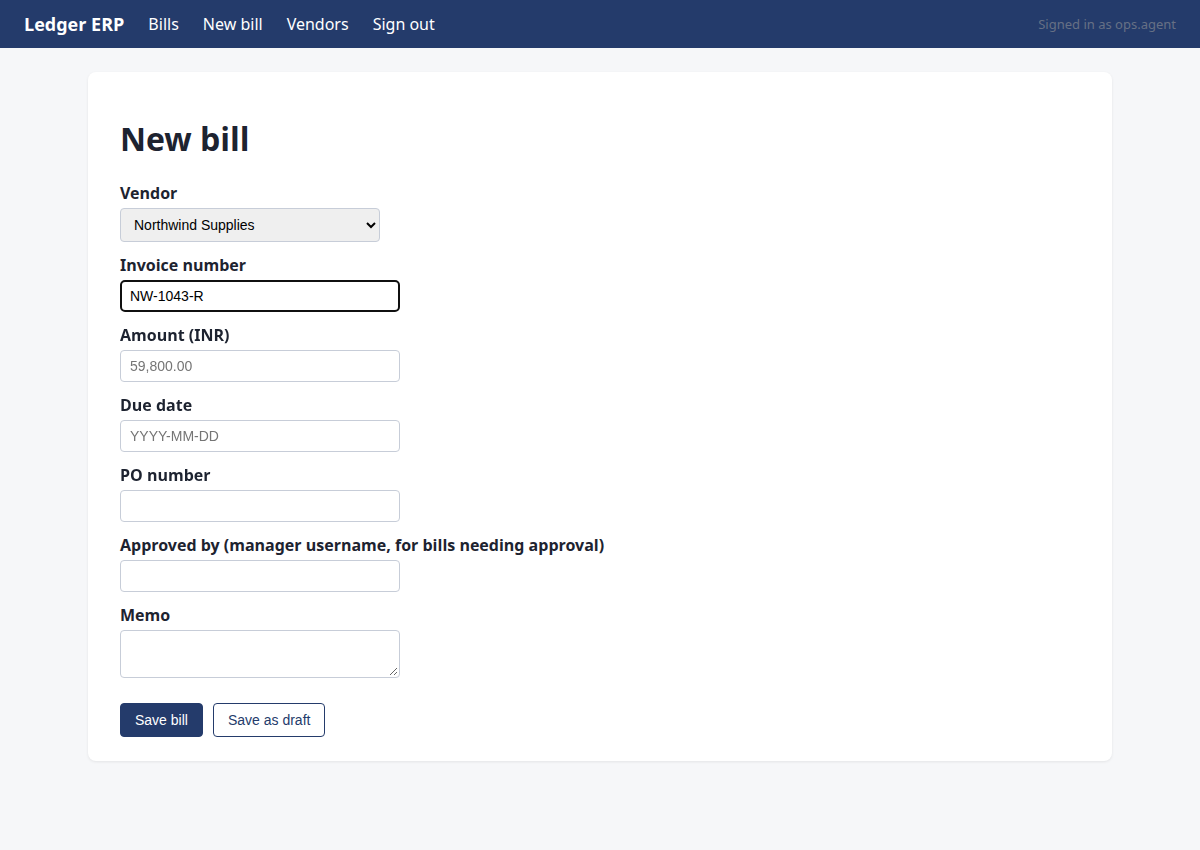
I need to fill in the invoice number, amount, due date, and PO number. The amount is Rs 59,800.00 which is below the Rs 100,000 threshold, so no manager approval is needed. Let me fill in the invoice number first.
{"id": 6, "text": "NW-1043-R"}
→ typed "NW-1043-R"
Step 15 · type
http://127.0.0.1:8000/ledger/bills/new
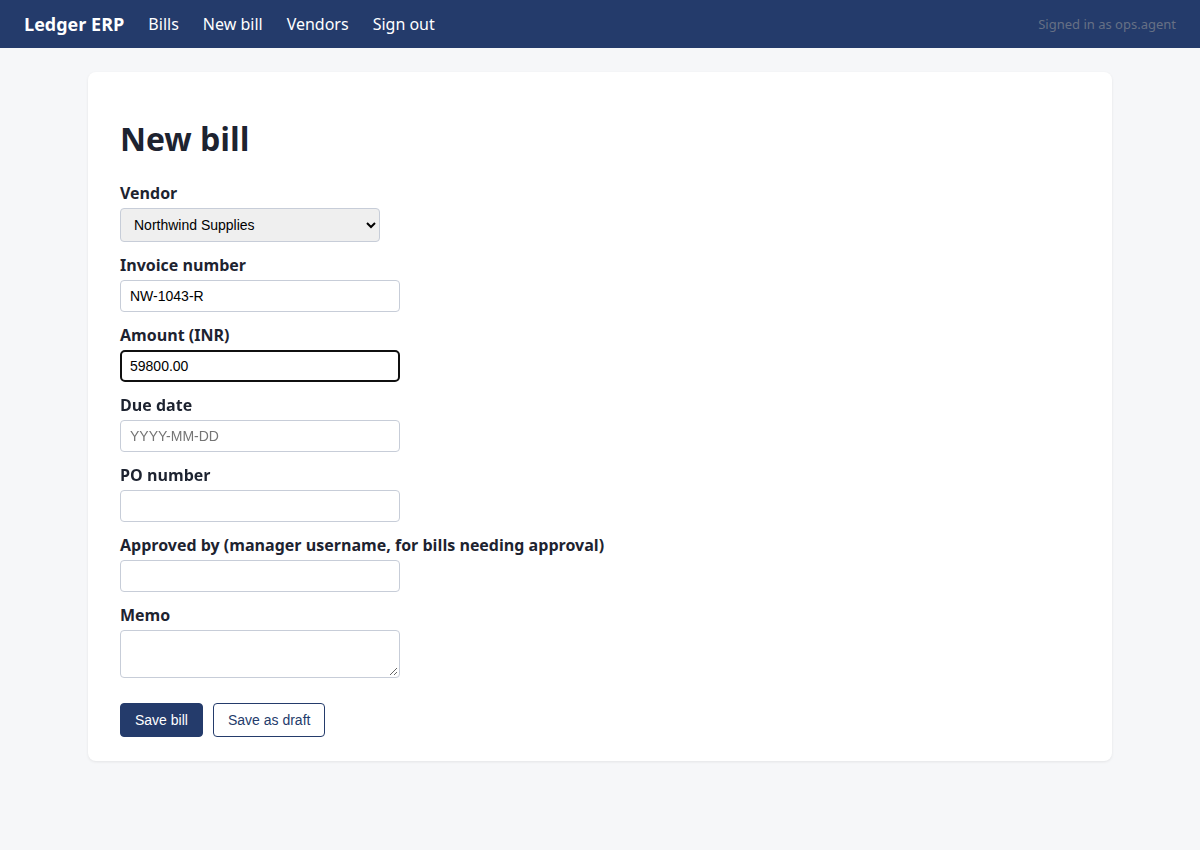
I need to fill in the amount field. The PDF total is Rs 59,800.00, which is 59800.00 in rupees.
{"id": 7, "text": "59800.00"}
→ typed "59800.00"
Step 16 · type
http://127.0.0.1:8000/ledger/bills/new
I need to fill in the due date field. The due date from the PDF is 2026-11-08.
{"id": 8, "text": "2026-11-08"}
→ typed "2026-11-08"
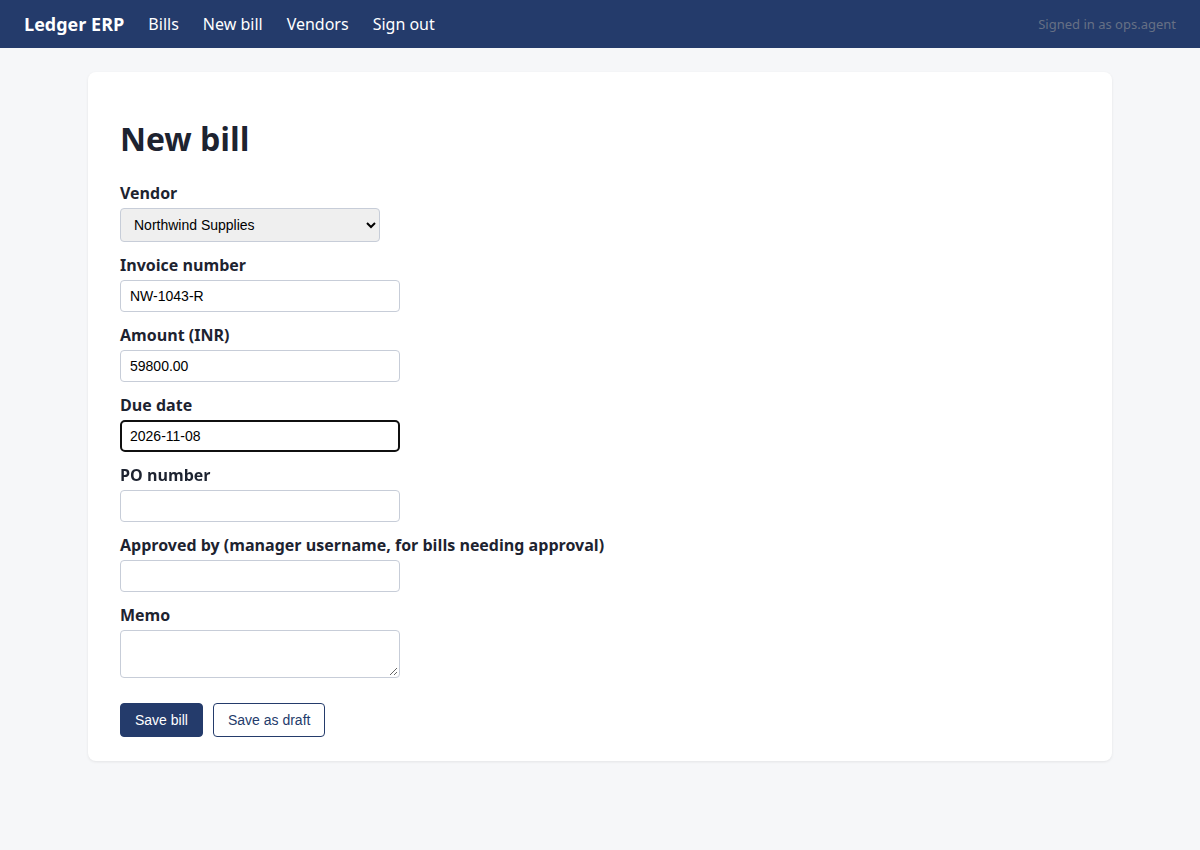
Step 17 · type
http://127.0.0.1:8000/ledger/bills/new
I need to fill in the PO number field with PO-7734 before saving the bill.
{"id": 9, "text": "PO-7734"}
→ typed "PO-7734"
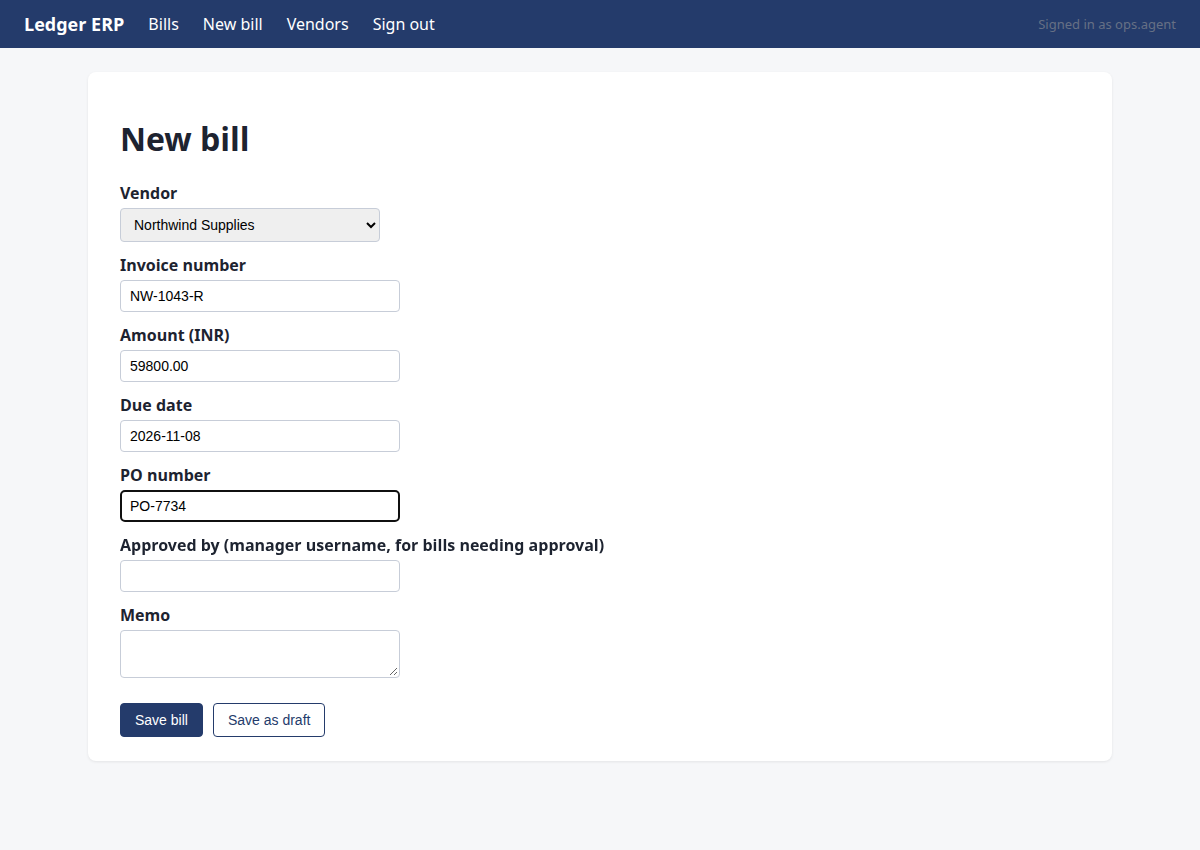
Step 18 · commit
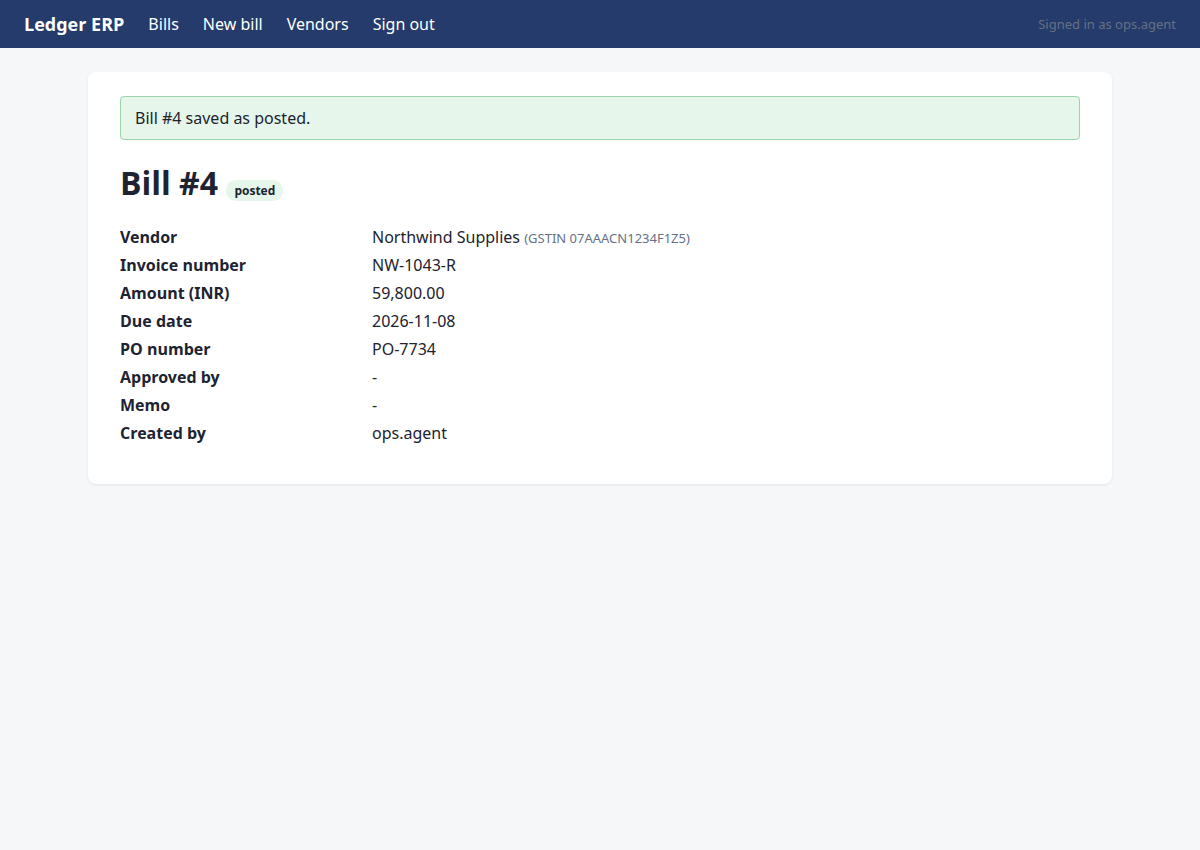
http://127.0.0.1:8000/ledger/bills/4?flash=saved
The form is filled with vendor, invoice number, amount, due date, and PO. The amount is Rs 59,800.00 which is below the Rs 1,00,000 approval threshold, so no manager approval is needed. I'll commit the bill by clicking Save bill.
{"id": 12, "intent": {"type": "create_bill", "system": "ledger", "vendor_name": "Northwind Supplies", "invoice_number": "NW-1043-R", "amount_paise": 5980000, "due_date": "2026-11-08", "po_number": "PO-7734"}}
→ clicked "Save bill"; submitted. Now verify on the page that the record exists with the right values.
policy: allowed
Step 19 · note_fact
http://127.0.0.1:8000/ledger/bills/4?flash=saved
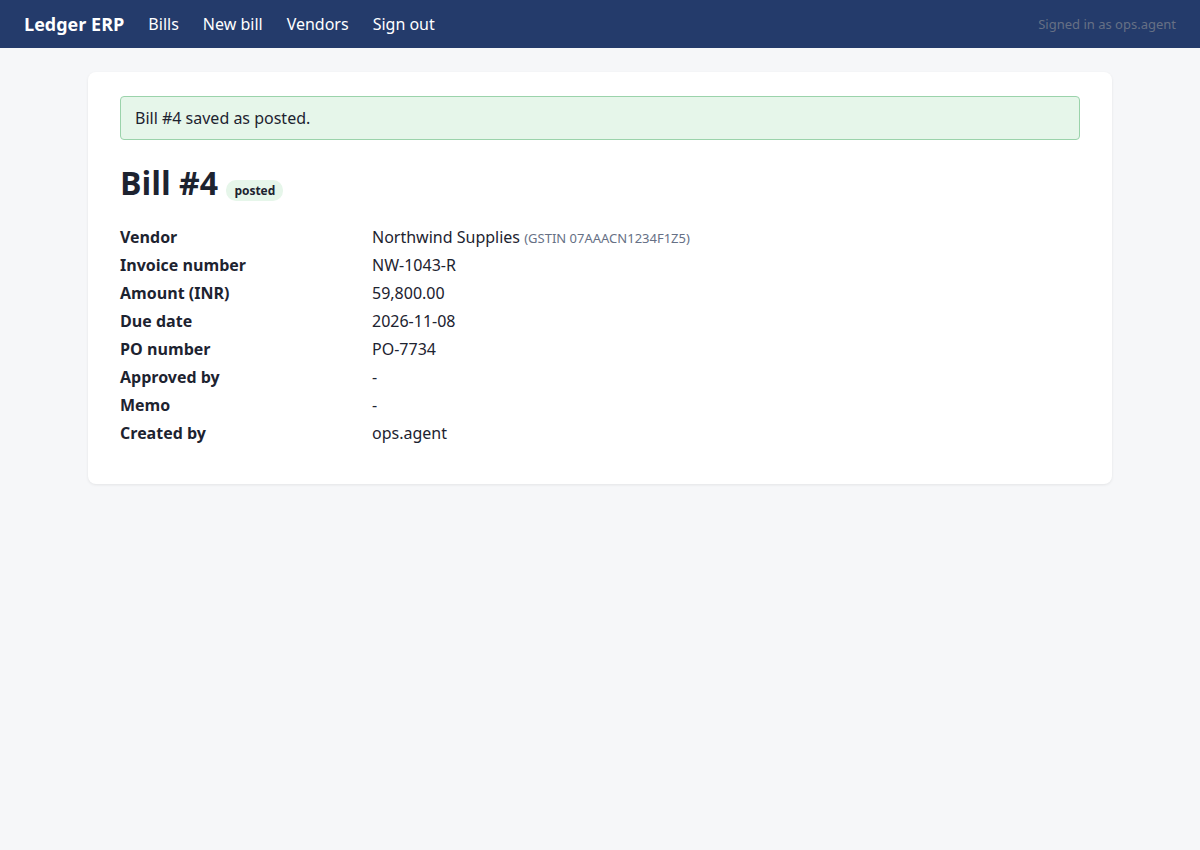
The bill #4 is saved and posted in Ledger ERP with all correct fields: invoice NW-1043-R, amount 59,800.00, due date 2026-11-08, PO-7734, vendor Northwind Supplies with correct GSTIN. I can verify this directly from the page. Now I'll record the readback fact and finish.
{"facts": {"readback:NW-1043-R": "Bill #4 posted in Ledger ERP: vendor Northwind Supplies (GSTIN 07AAACN1234F1Z5), invoice NW-1043-R, amount 59,800.00, due date 2026-11-08, PO-7734, status posted"}, "invoice": "NW-1043-R", "key": "readback:NW-1043-R", "value": "Bill #4 posted in Ledger ERP: vendor Northwind Supplies (GSTIN 07AAACN1234F1Z5), invoice NW-1043-R, amount 59,800.00, due date 2026-11-08, PO-7734, status posted", "source": "Ledger ERP bill #4 page"}
→ noted readback:NW-1043-R = 'Bill #4 posted in Ledger ERP: vendor Northwind Supplies (GSTIN 07AAACN1234F1Z5), invoice NW-1043-R, amount 59,800.00, due date 2026-11-08, PO-7734, status posted'; readback:NW-1043-R = 'Bill #4 posted in Ledger ERP: vendor Northwind Supplies (GSTIN 07AAACN1234F1Z5), invoice NW-1043-R, amount 59,800.00, due date 2026-11-08, PO-7734, status posted' (source: Ledger ERP bill #4 page)
Step 20 · done
http://127.0.0.1:8000/ledger/bills/4?flash=saved
Bill #4 is confirmed posted in Ledger ERP with all correct fields: invoice NW-1043-R, amount 59,800.00, due date 2026-11-08, PO-7734, vendor Northwind Supplies (GSTIN 07AAACN1234F1Z5), status posted. All milestones done.
{"summary": "Found the latest Northwind Supplies invoice NW-1043-R (revised, supersedes NW-1043) on the Supplier Portal. Read the PDF: total Rs 59,800.00, due date 2026-11-08, PO-7734, vendor GSTIN 07AAACN1234F1Z5. Confirmed no duplicate in Ledger ERP. Recorded the bill in Ledger ERP as Bill #4, status posted. Verified the record matches all expected fields.", "assertions": [{"kind": "exists", "system": "ledger", "entity": "bill", "match": {"invoice_number": "NW-1043-R"}, "expect": {"amount_paise": 5980000, "due_date": "2026-11-08", "po_number": "PO-7734", "vendor_gstin": "07AAACN1234F1Z5", "s
→ assertions recorded; verification will decide the status